52wknds · Stays
Stays
Booking a stay on 52wknds starts on a map and ends with a few clear choices: where, which stay, which room, who is travelling.
- Role
- Solo designer, with the founders and engineers
- Status
- Live in the app
The Problem
Picking a stay for a long weekend means choosing between a lot of similar hotels, rooms and rates, often on a small screen and in a short window before prices move.
52wknds keeps that to a few clear decisions: search where you want to go, compare a short list sorted for you, pick a room, and fill in your details once.
Earlier Ideas
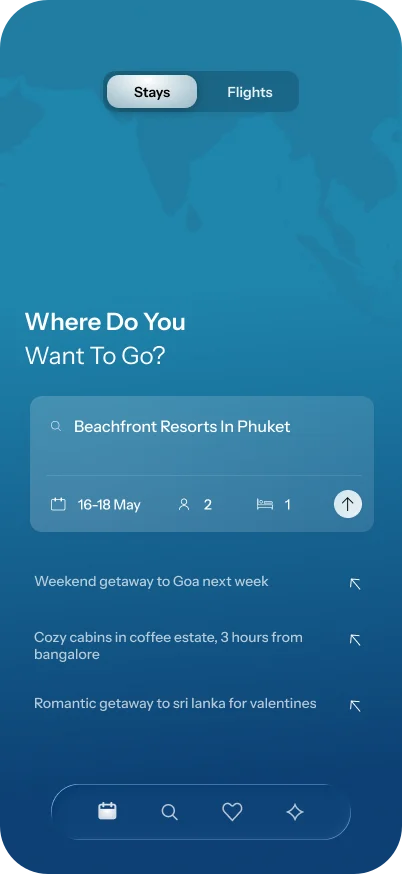
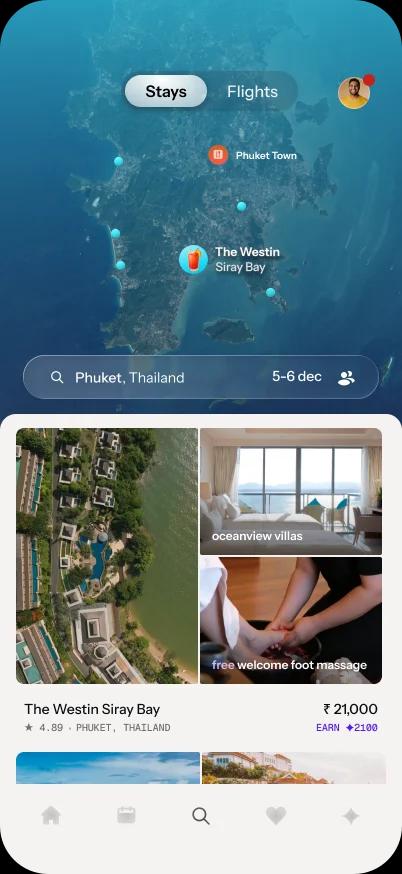
Before the shipped design, I explored searching in your own words, and a result card with three photos. Neither shipped.
Exploration · not shipped
Beachfront Resorts In Phuket
- What worked
- You could search in your own words, with prompts like a weekend getaway to Goa next week
- What didn't
- Deprioritised for its scope, and the AI cost of parsing every search
Exploration · not shipped
Three Photos
- What worked
- Each result showed the stay from three angles
- What didn't
- Three photos were too many, so the card moved to one photo and a vibe
One Sheet To Search
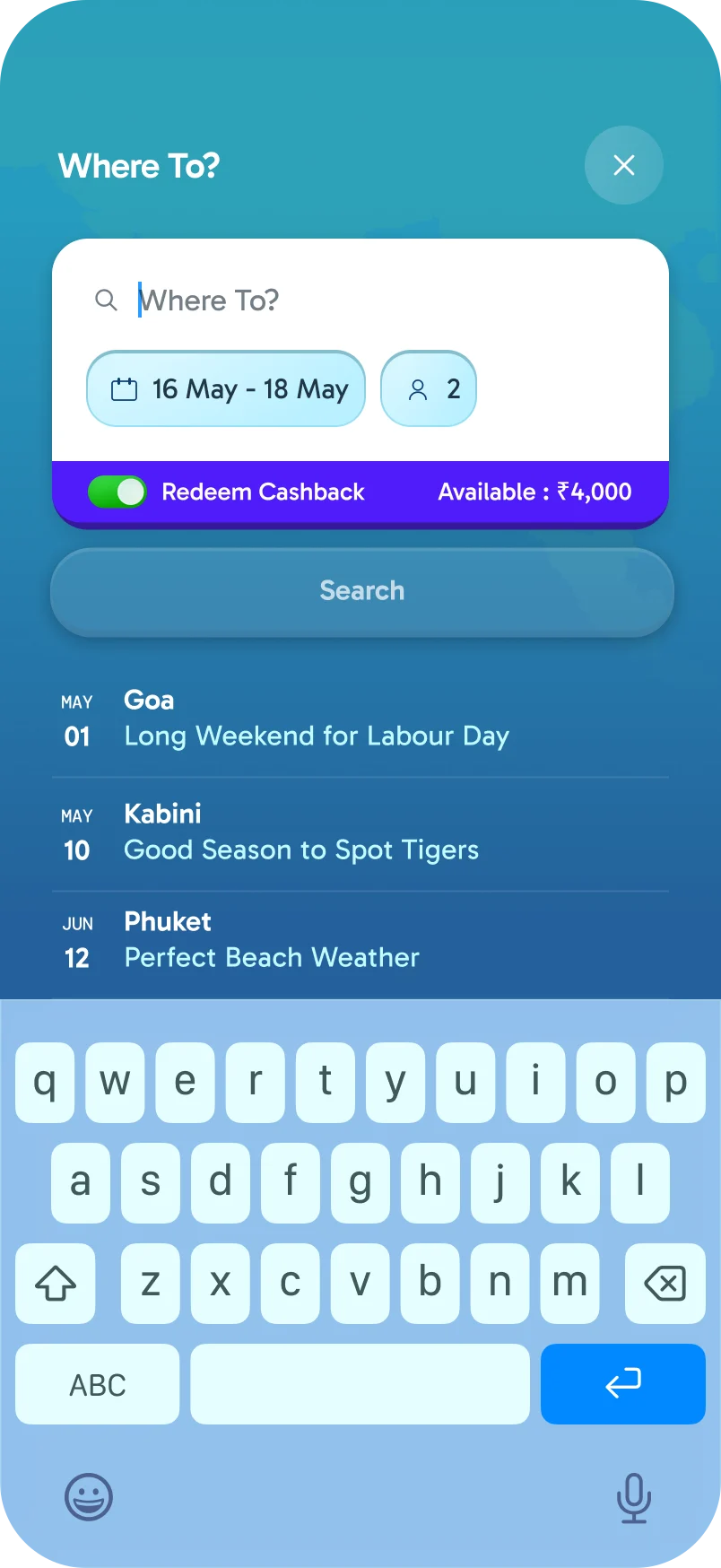
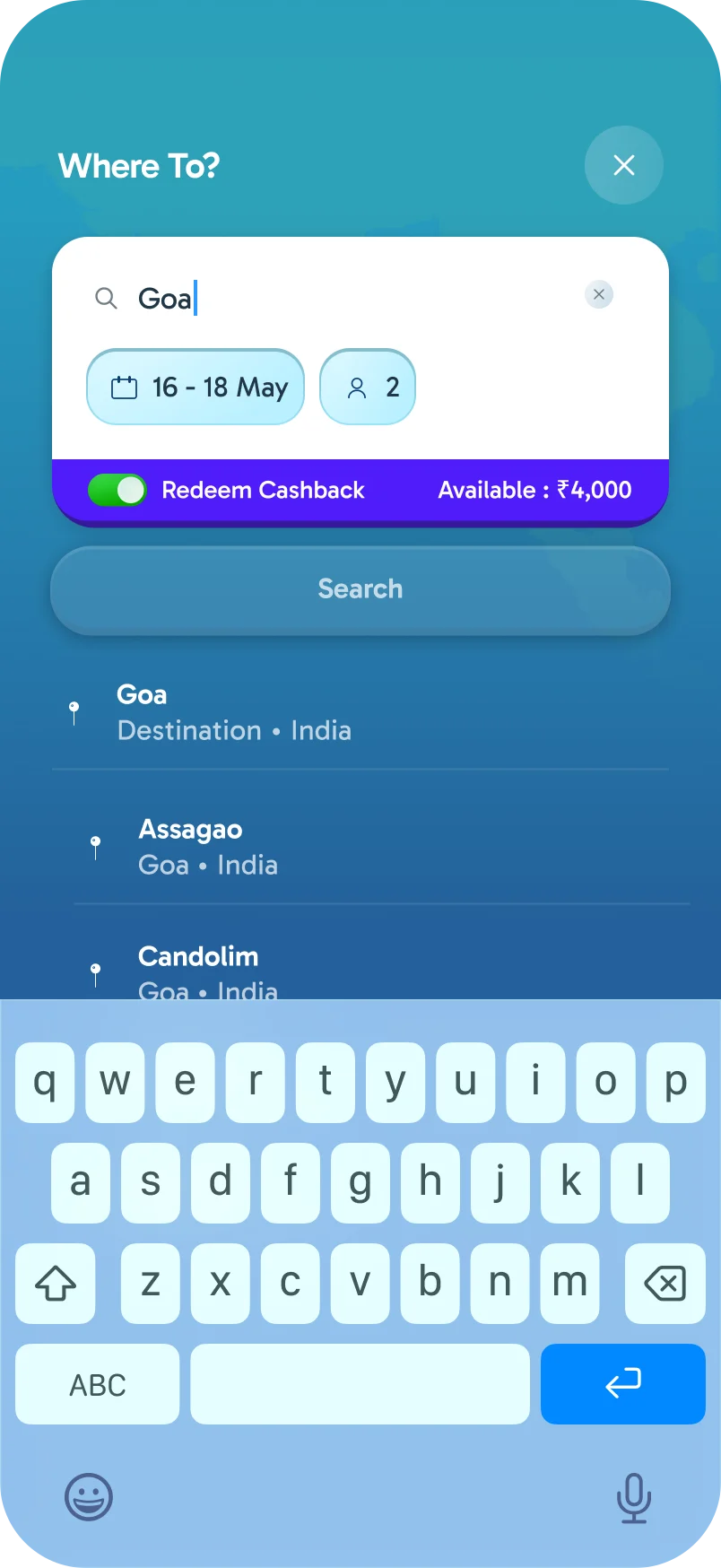
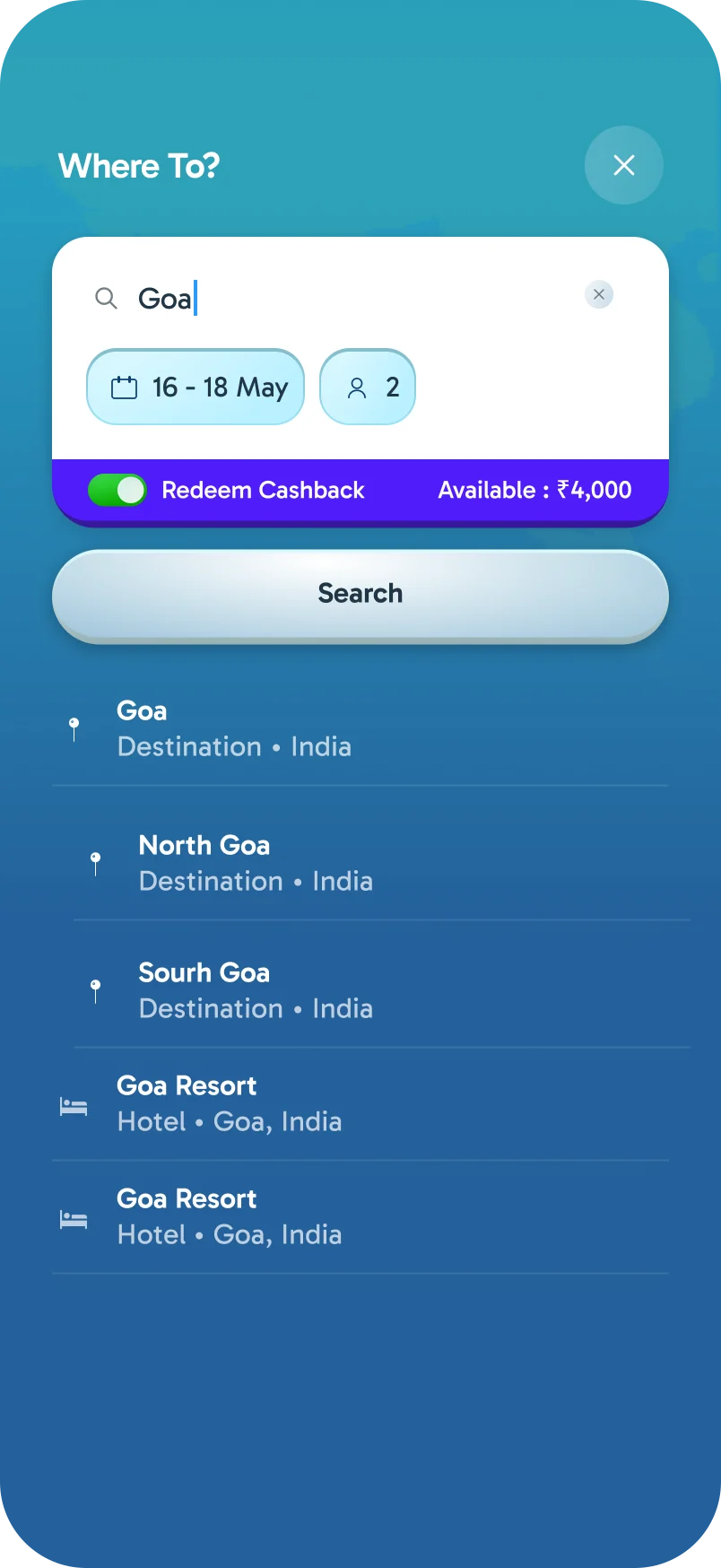
Where To? opens one sheet for the place, dates and guests. Before you type anything, it suggests upcoming long weekends, and as you type it narrows to destinations, areas and hotels.
Results On The Map
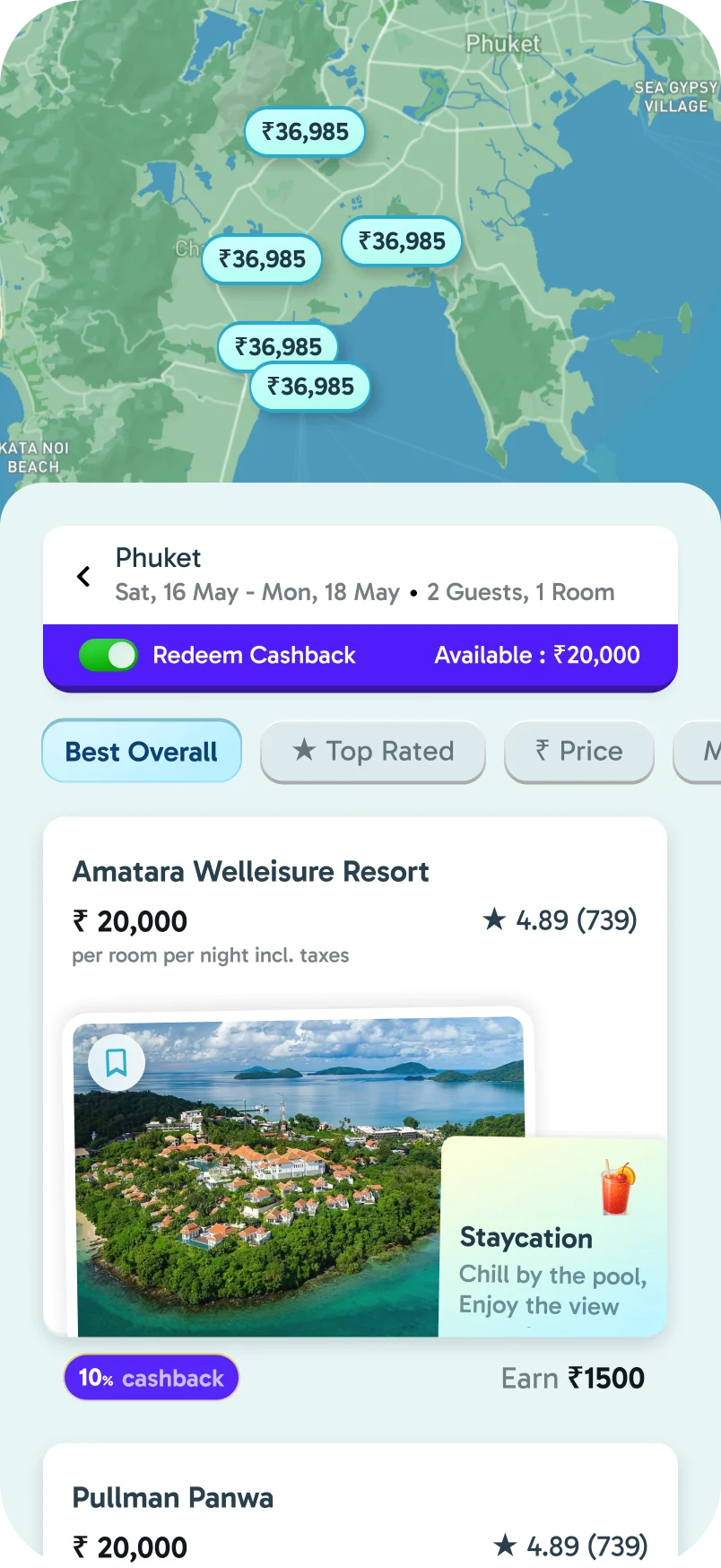
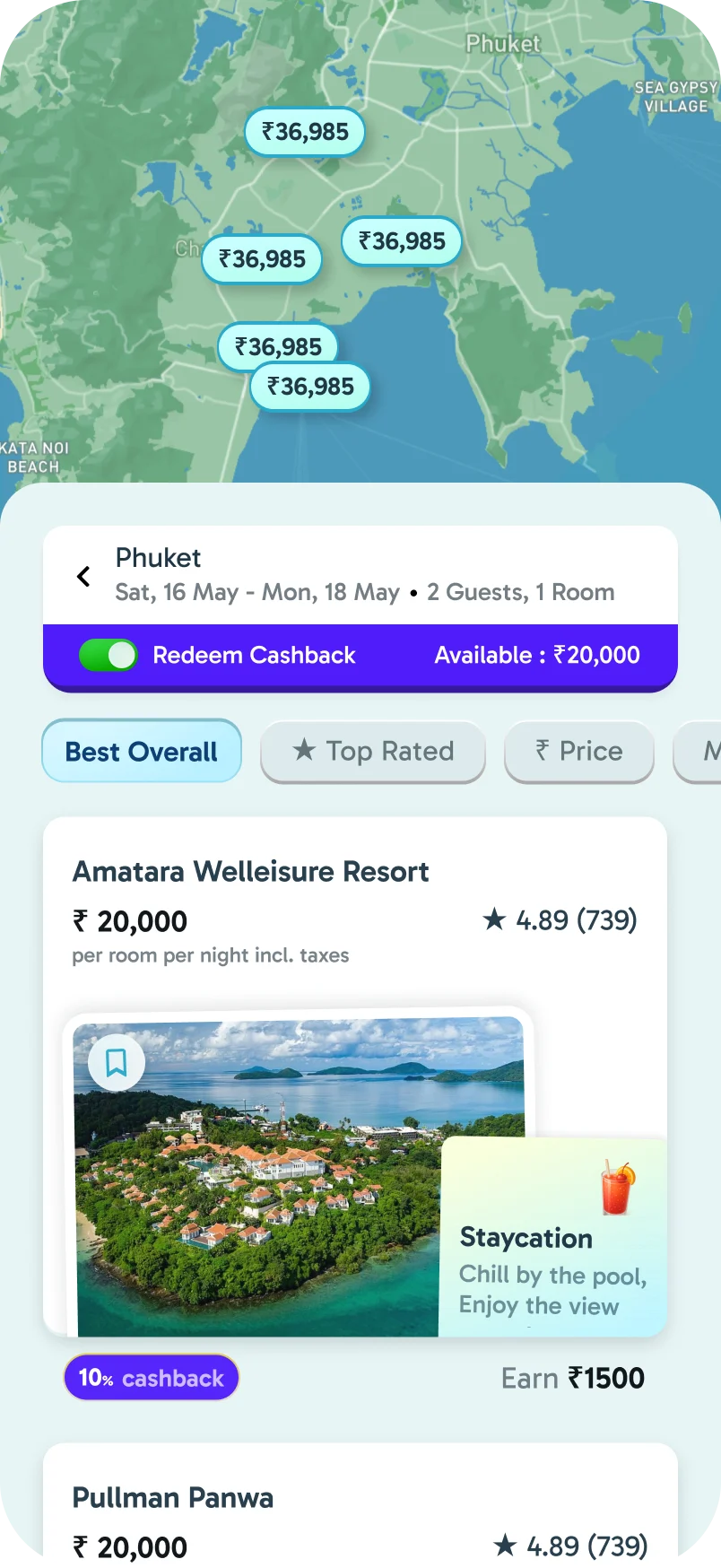
Results pin each price on the map, and tabs like Best Overall, Top Rated and Price do the work of filters. One tap changes the order.
Every Stay Has A Vibe
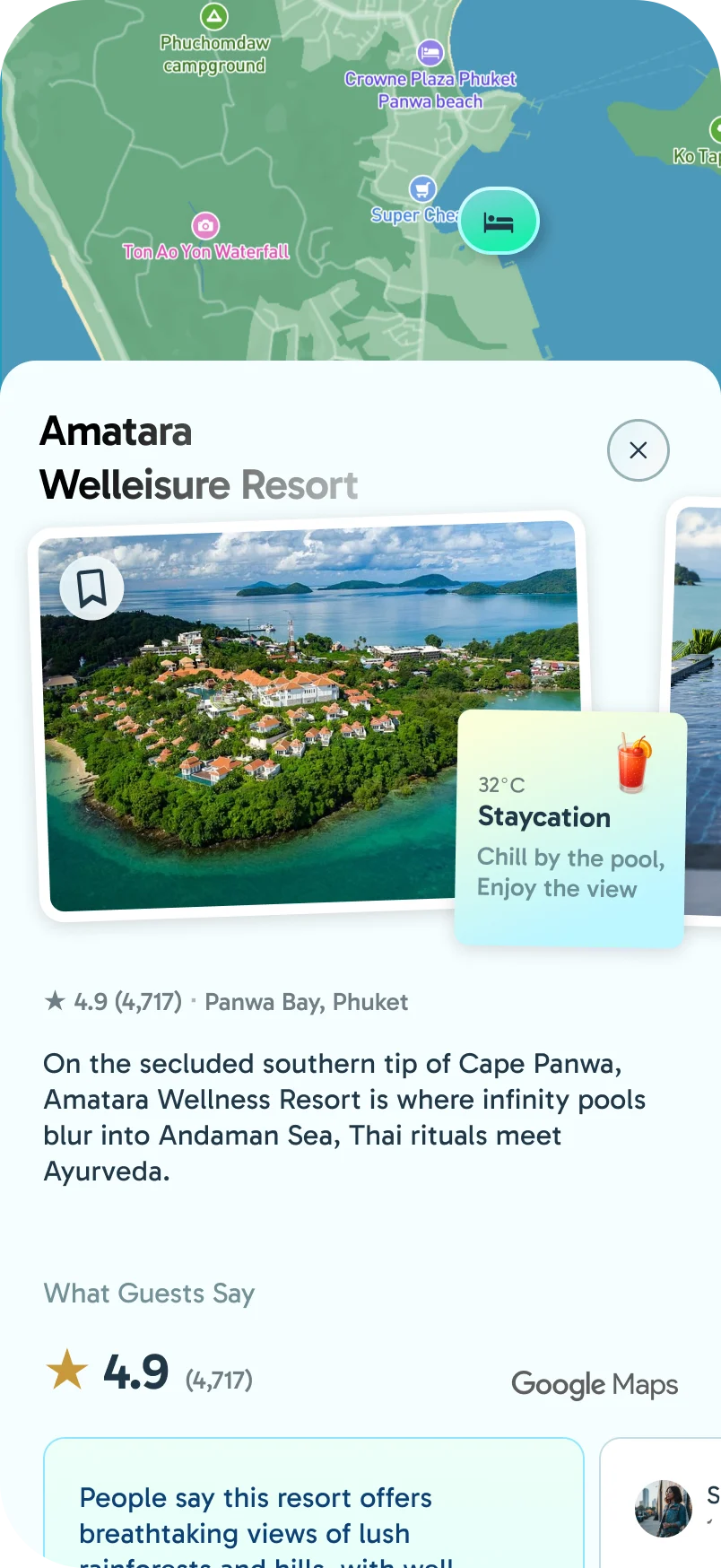
Each stay card shows one photo and a vibe: what to expect from the stay, and who it suits. Each vibe has its own gradient and illustration, so a page of results reads at a glance.
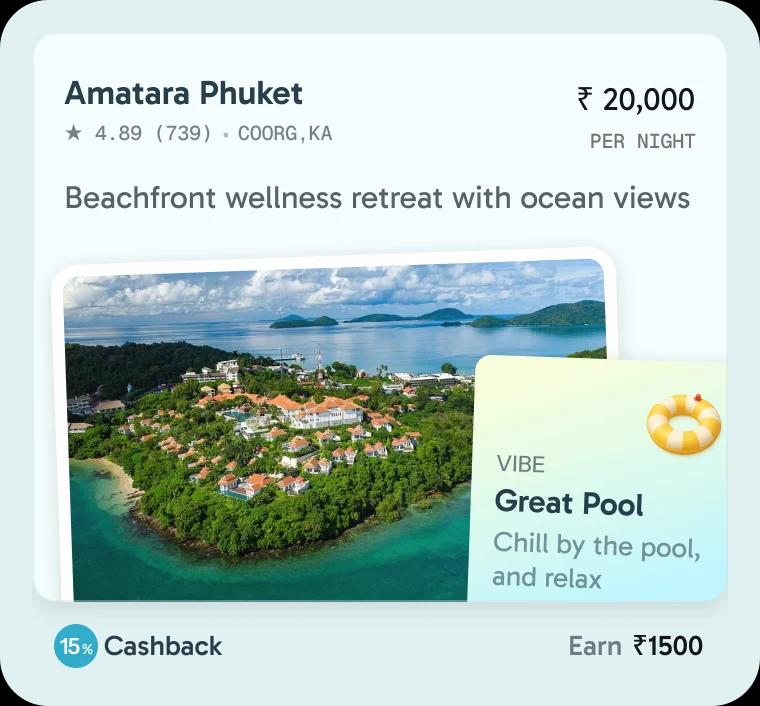 Great PoolThe property is the holiday, pool, loungers, nothing to do and that's the point.
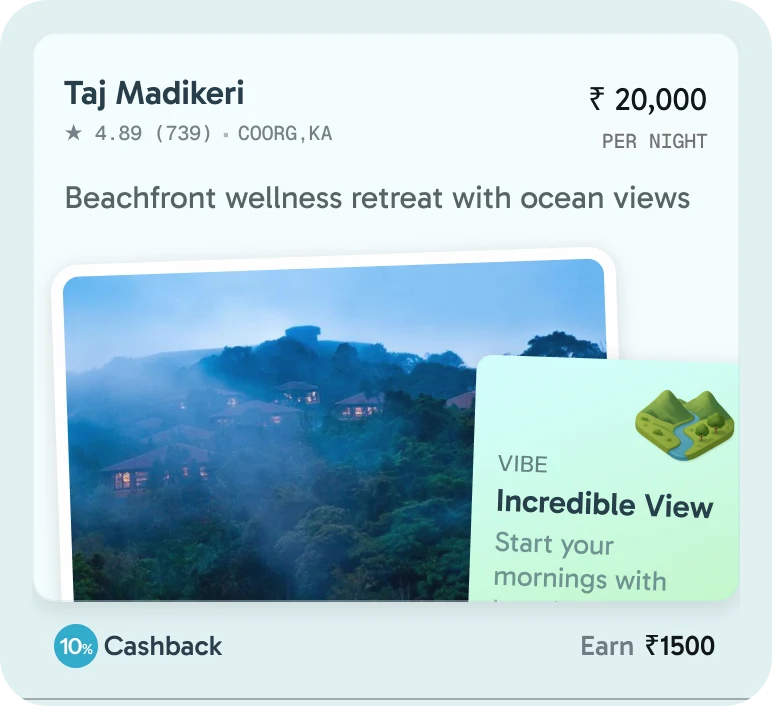 Incredible ViewsThe room, the pool, or the balcony faces something worth staring at. Mountains, valley, skyline.
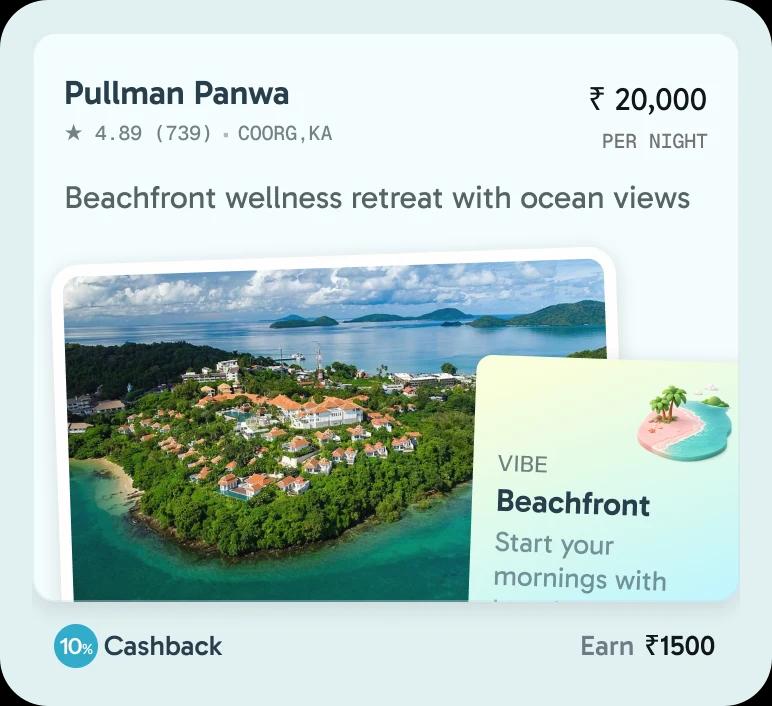 BeachfrontStep outside and you're on sand.
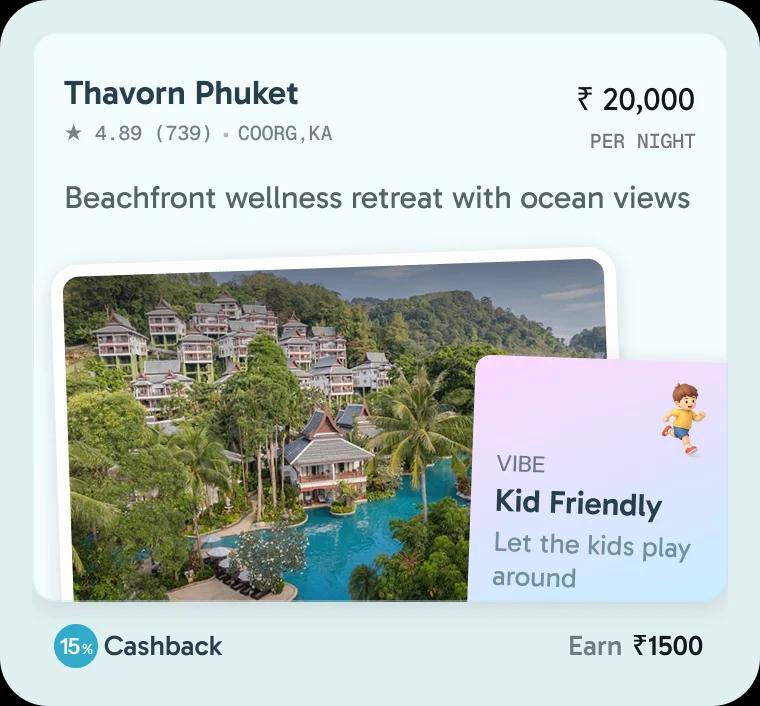 Kid FriendlyKids' activities, safe pools, connecting rooms, space to run around.
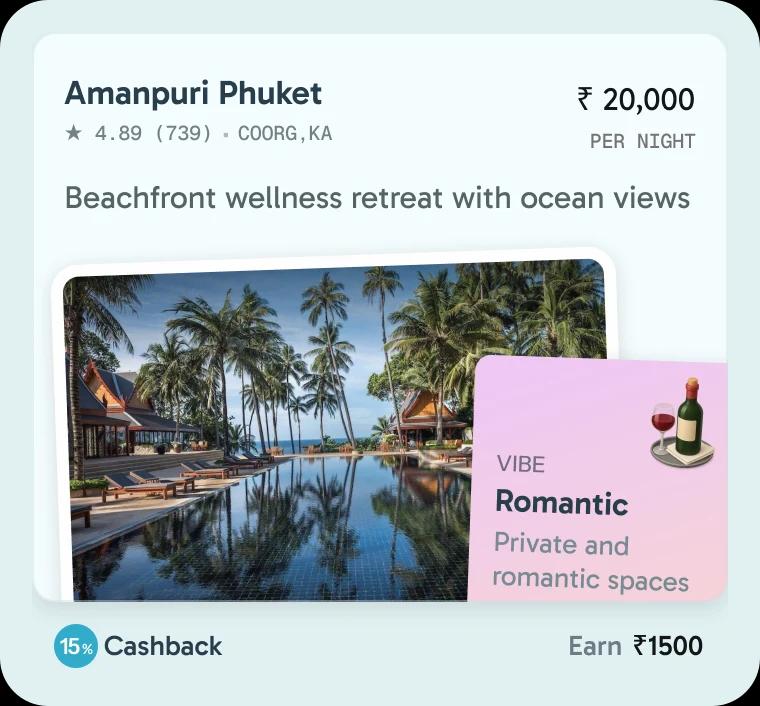 RomanticPrivate spaces, intimate dining, sunset views, made for two.
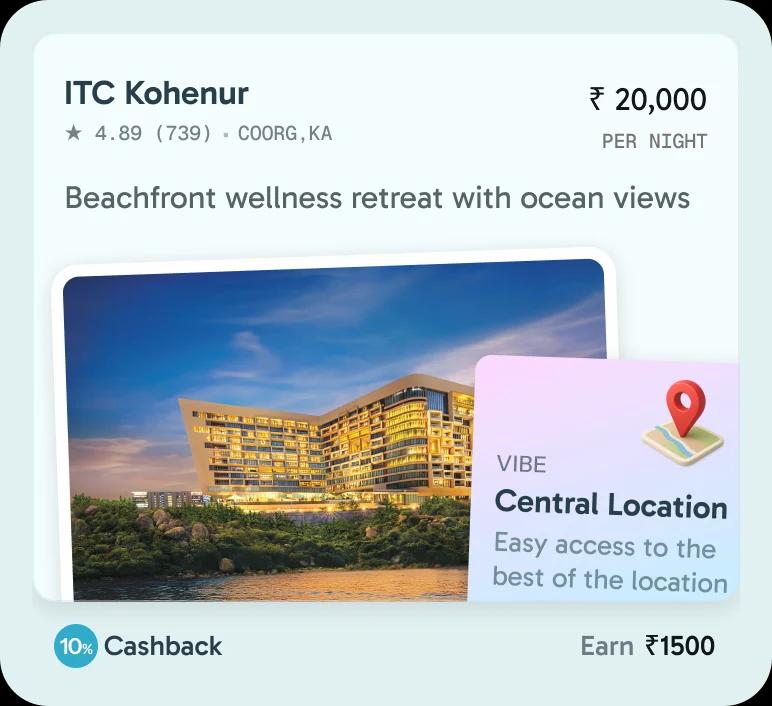 Central LocationEasy access to the best of the city, restaurants, nightlife, and attractions on your doorstep.
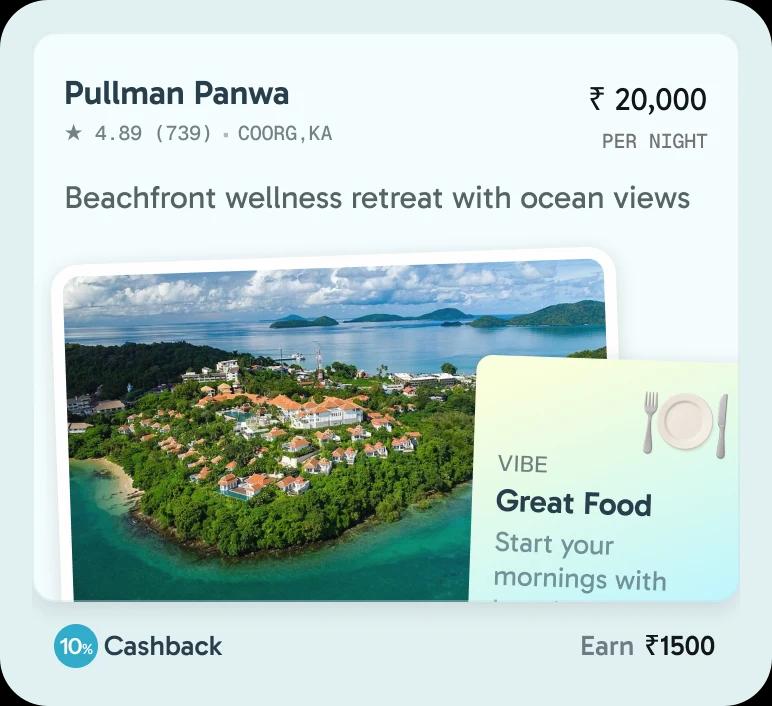 Great FoodThe restaurant is a reason to come in itself. Exceptional cuisine, standout breakfasts, or a chef worth travelling for.
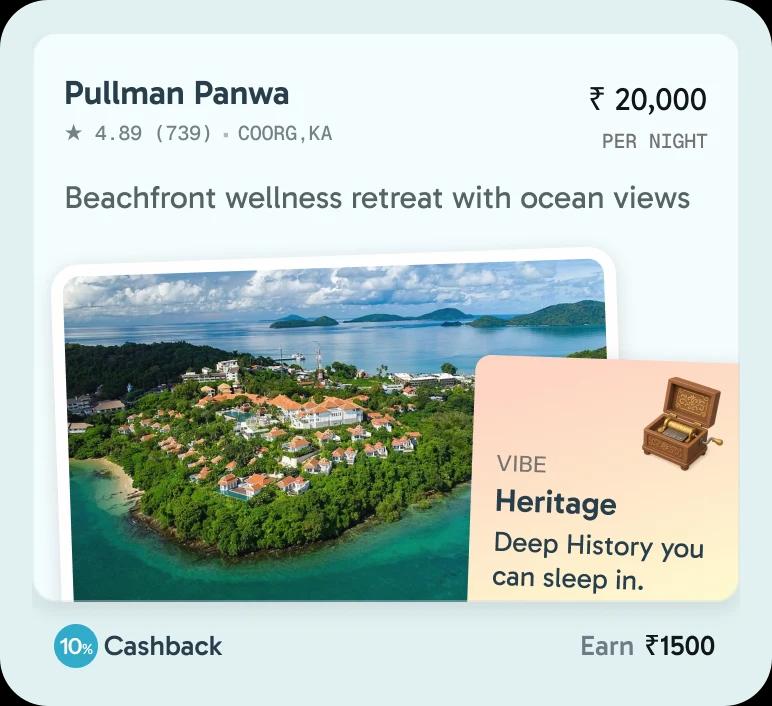 HeritageA building with a story, a haveli, plantation bungalow, or colonial estate. History you can sleep in.
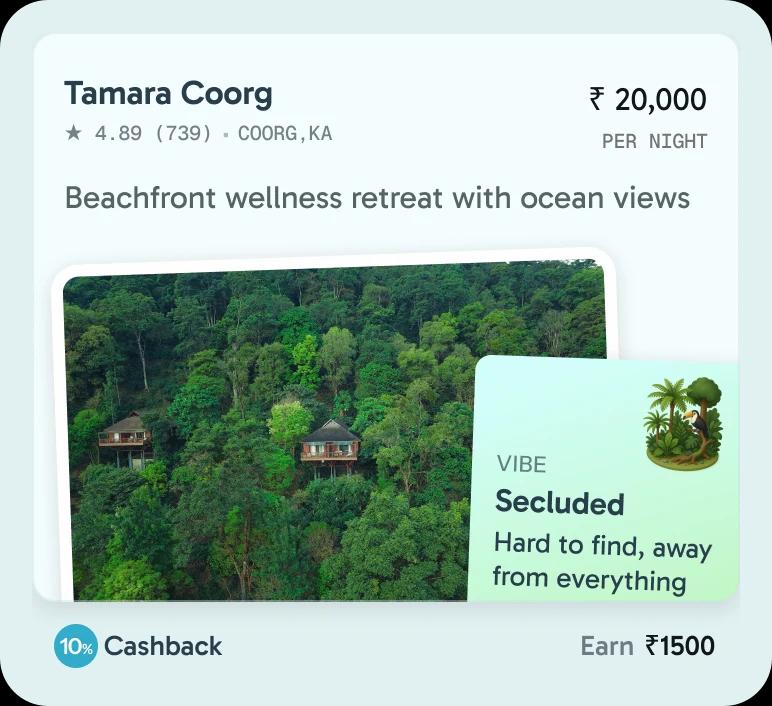 SecludedHard to find, away from everything, the remoteness is half the appeal.
Choosing A Room
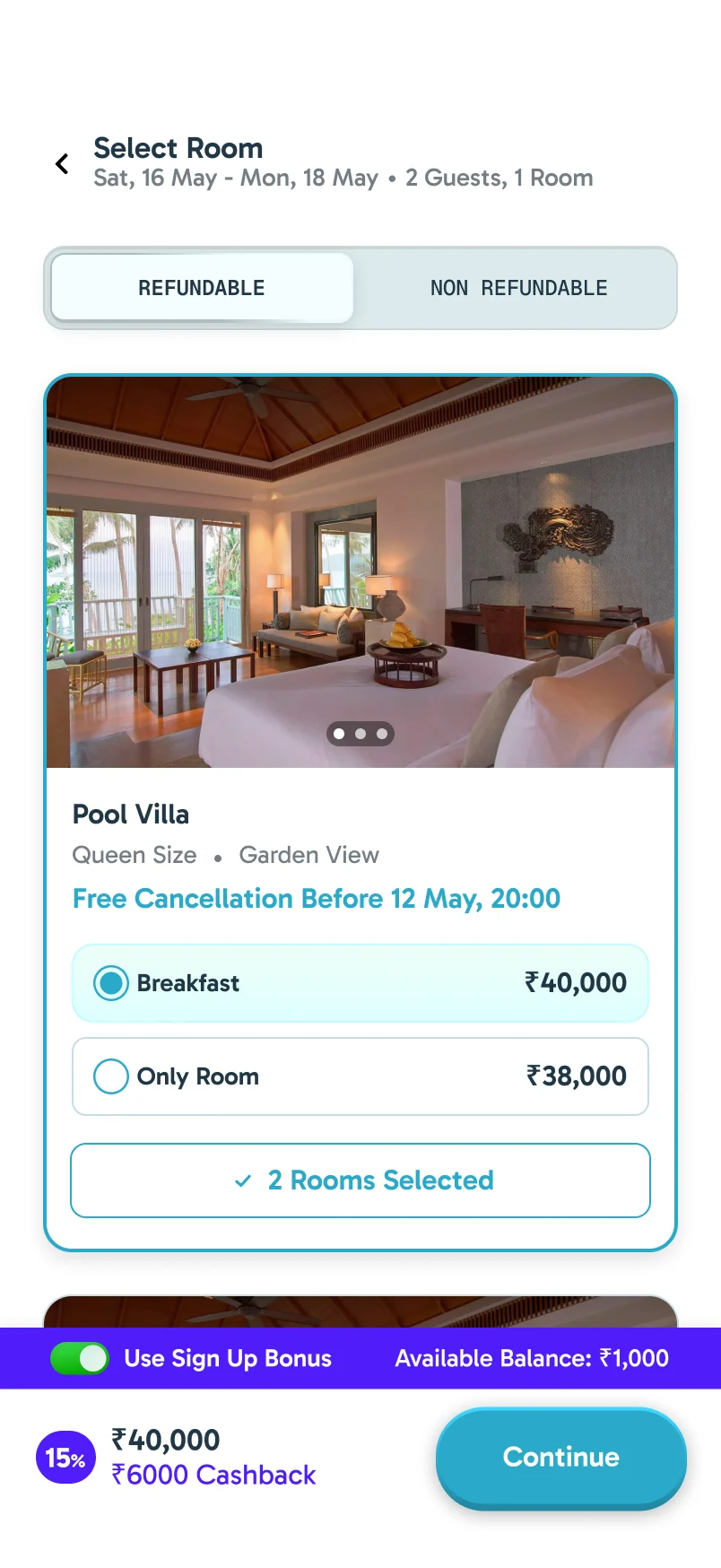
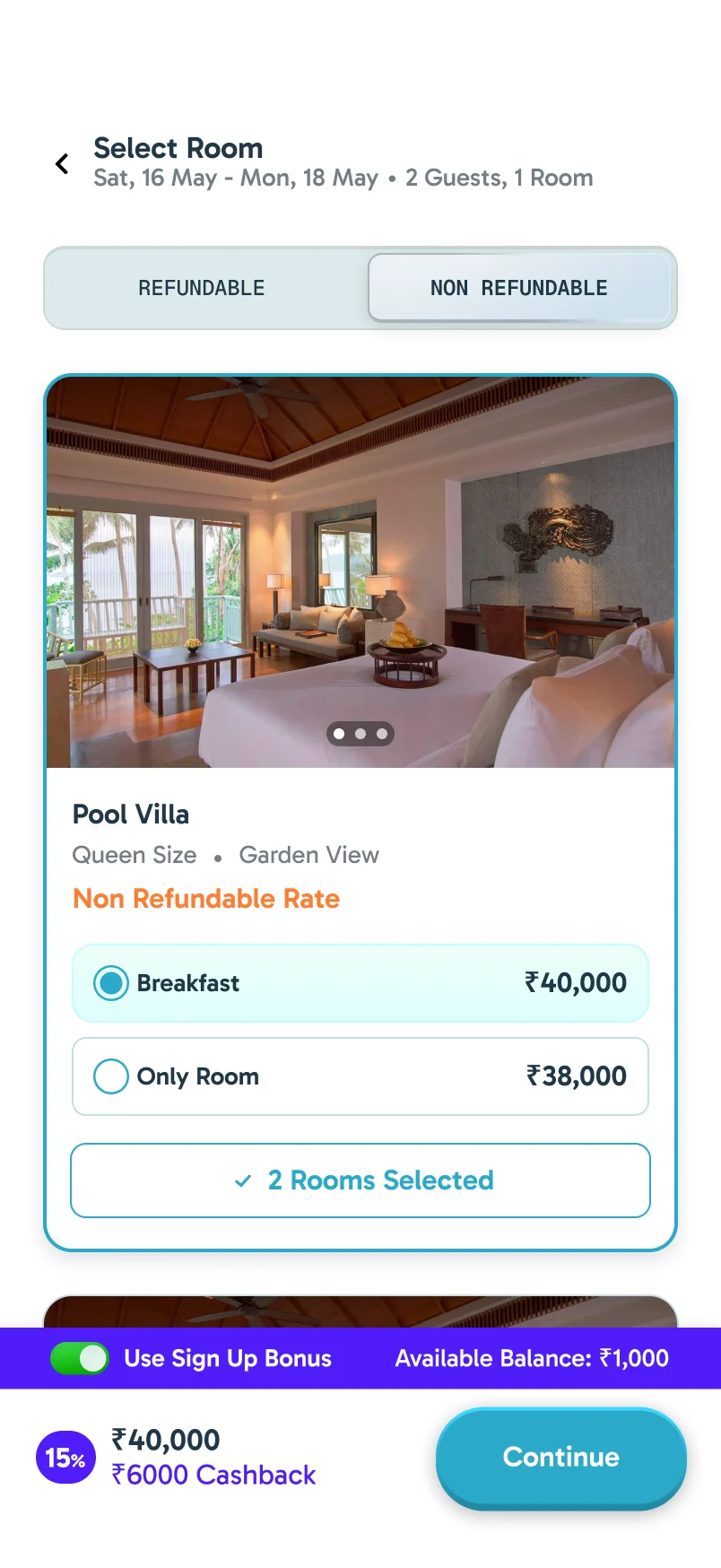
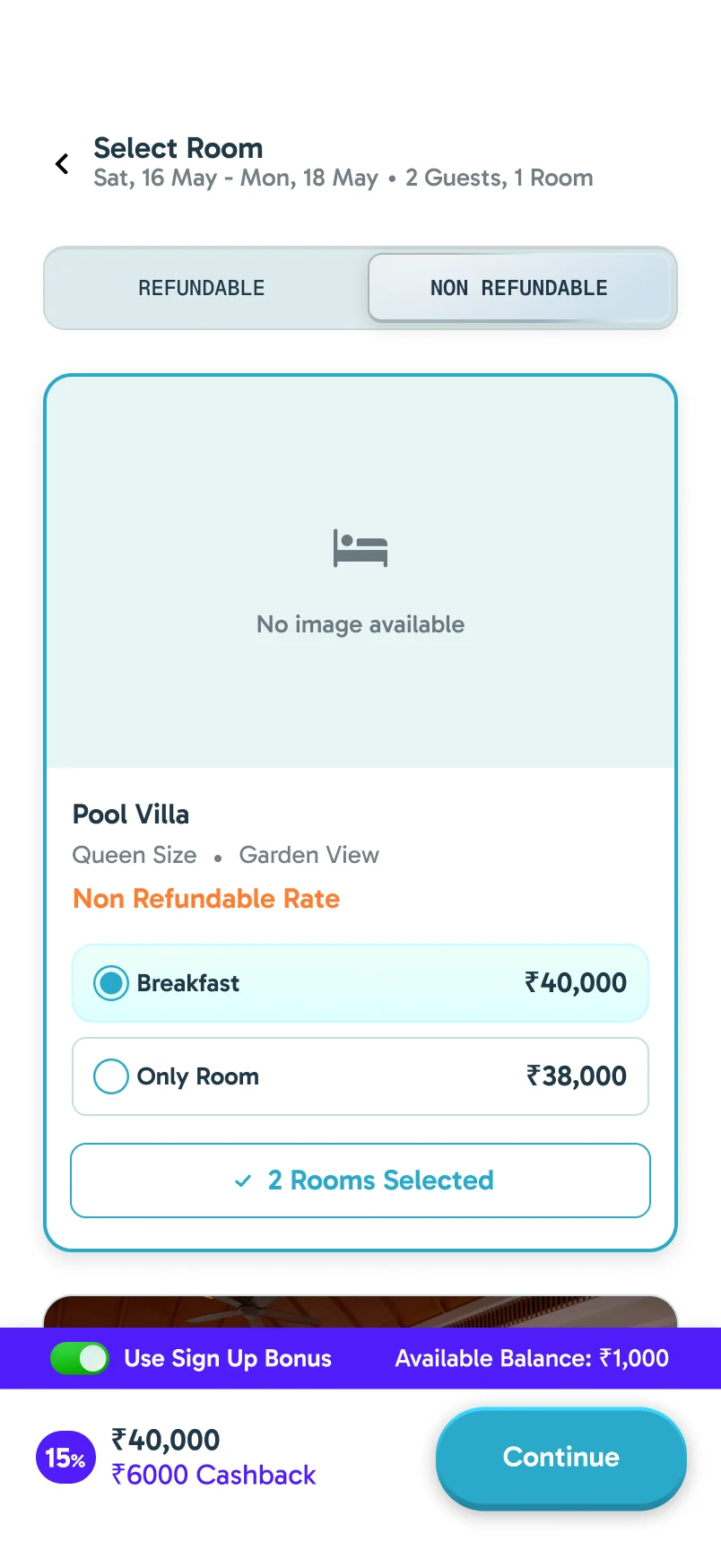
Refundable and non-refundable rooms sit on two tabs, and each room offers breakfast or room only as a single choice. The cancellation deadline is written on the room itself.
Fill It Once
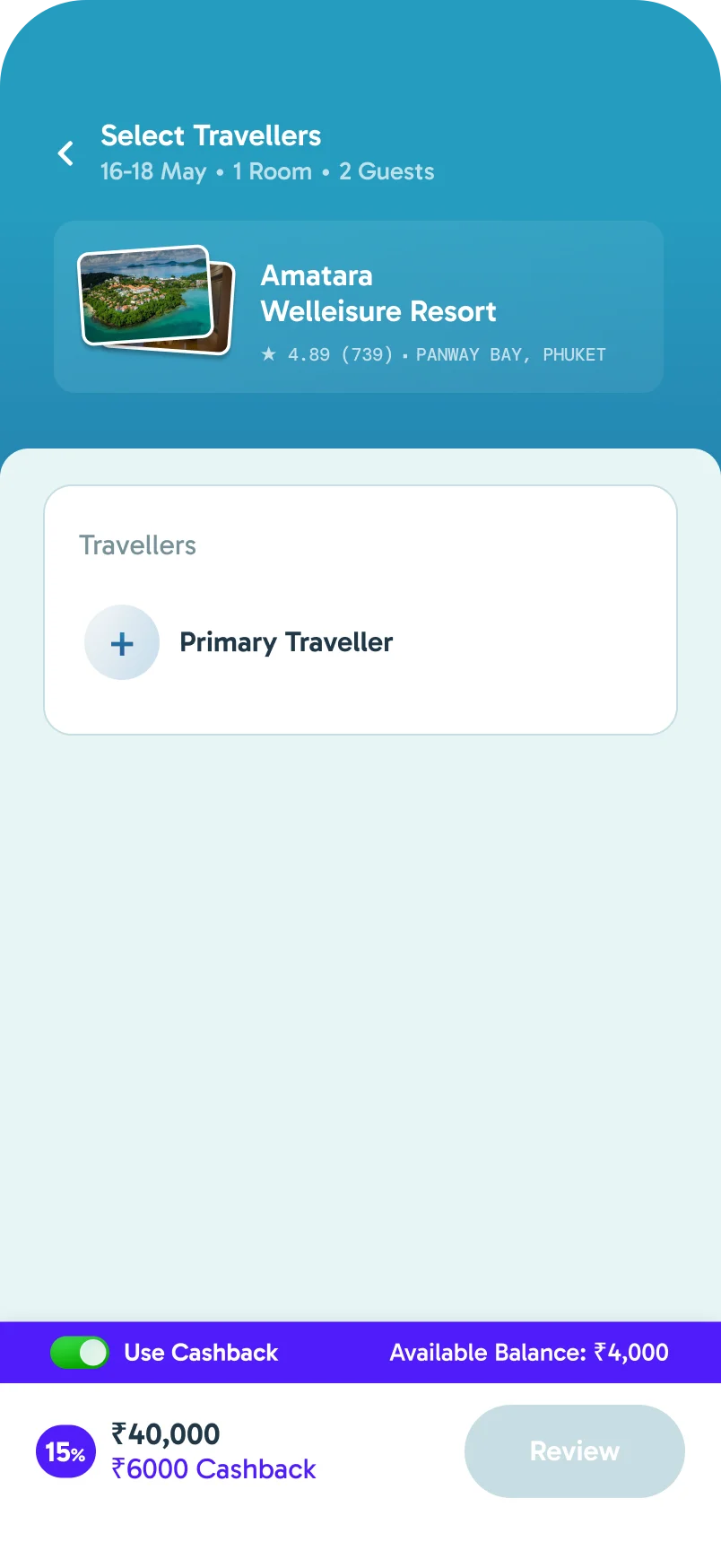
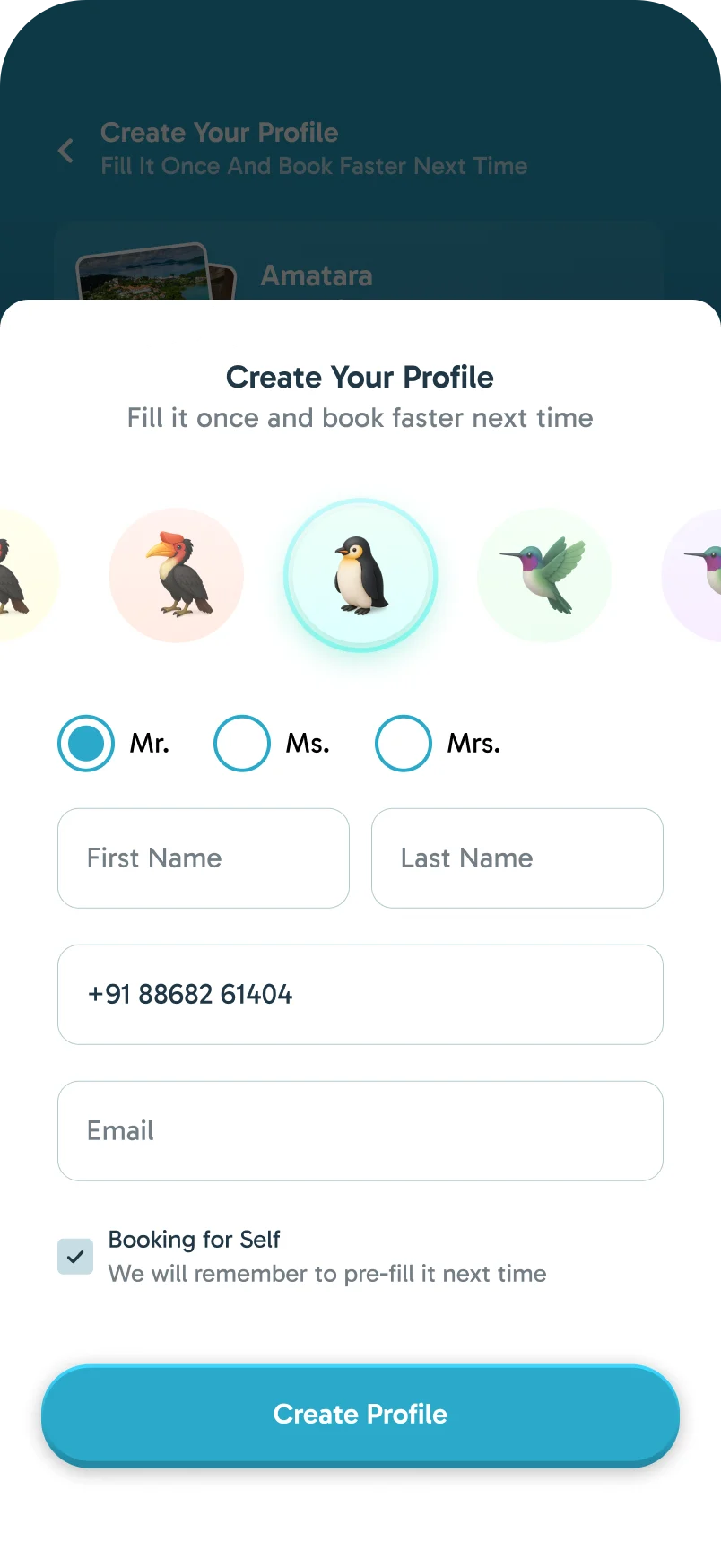
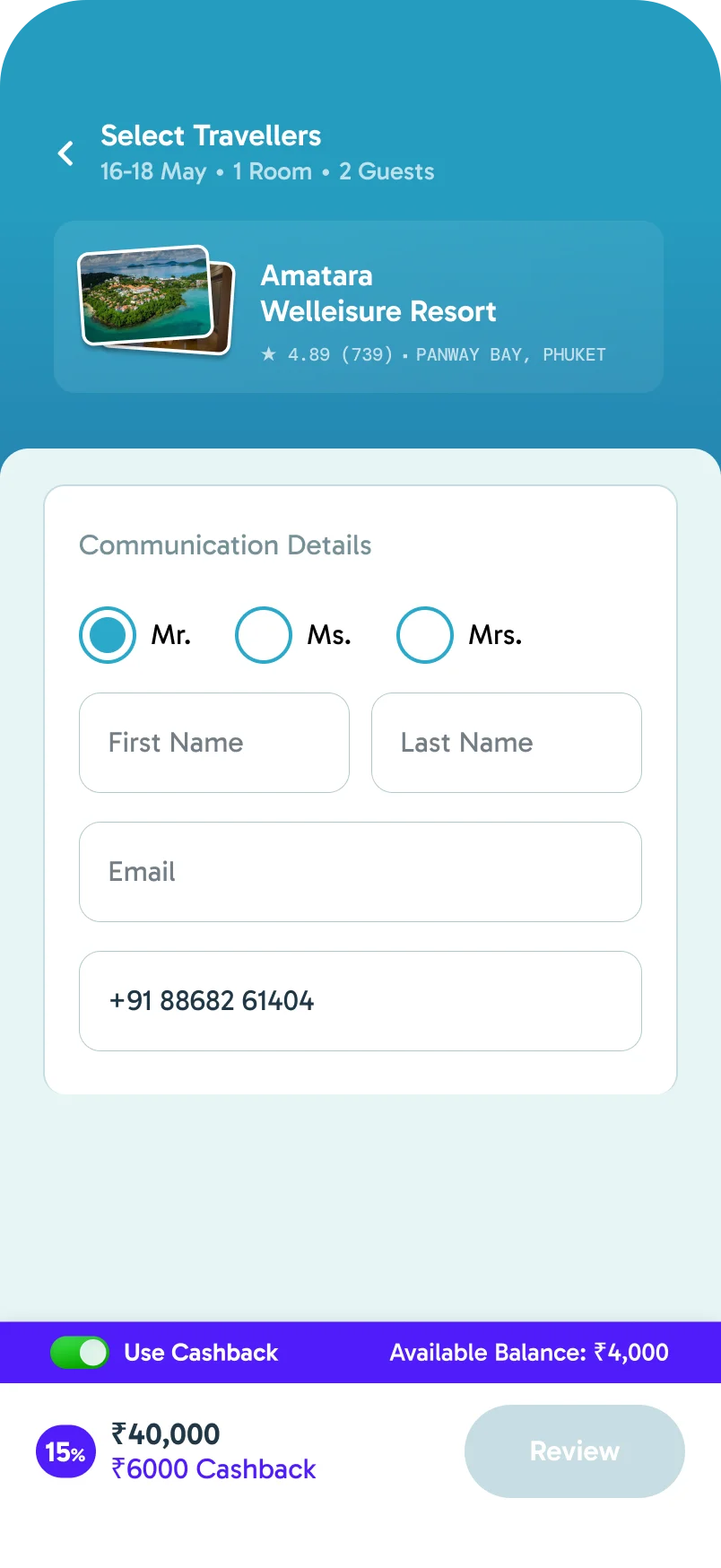
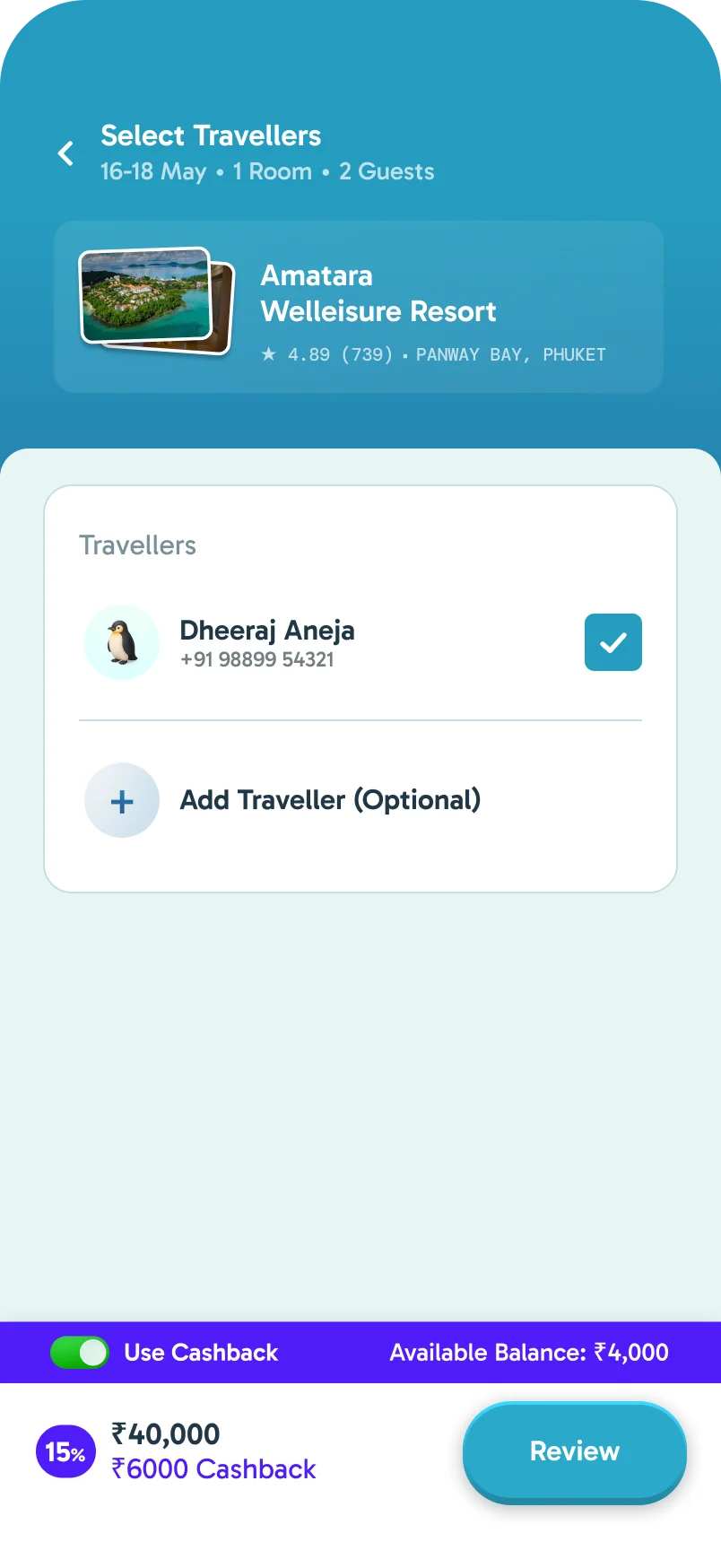
There is no separate sign-up. The first time you book, you create your traveller profile inside checkout, pick a bird as your avatar, and the app pre-fills it next time.
Booking It
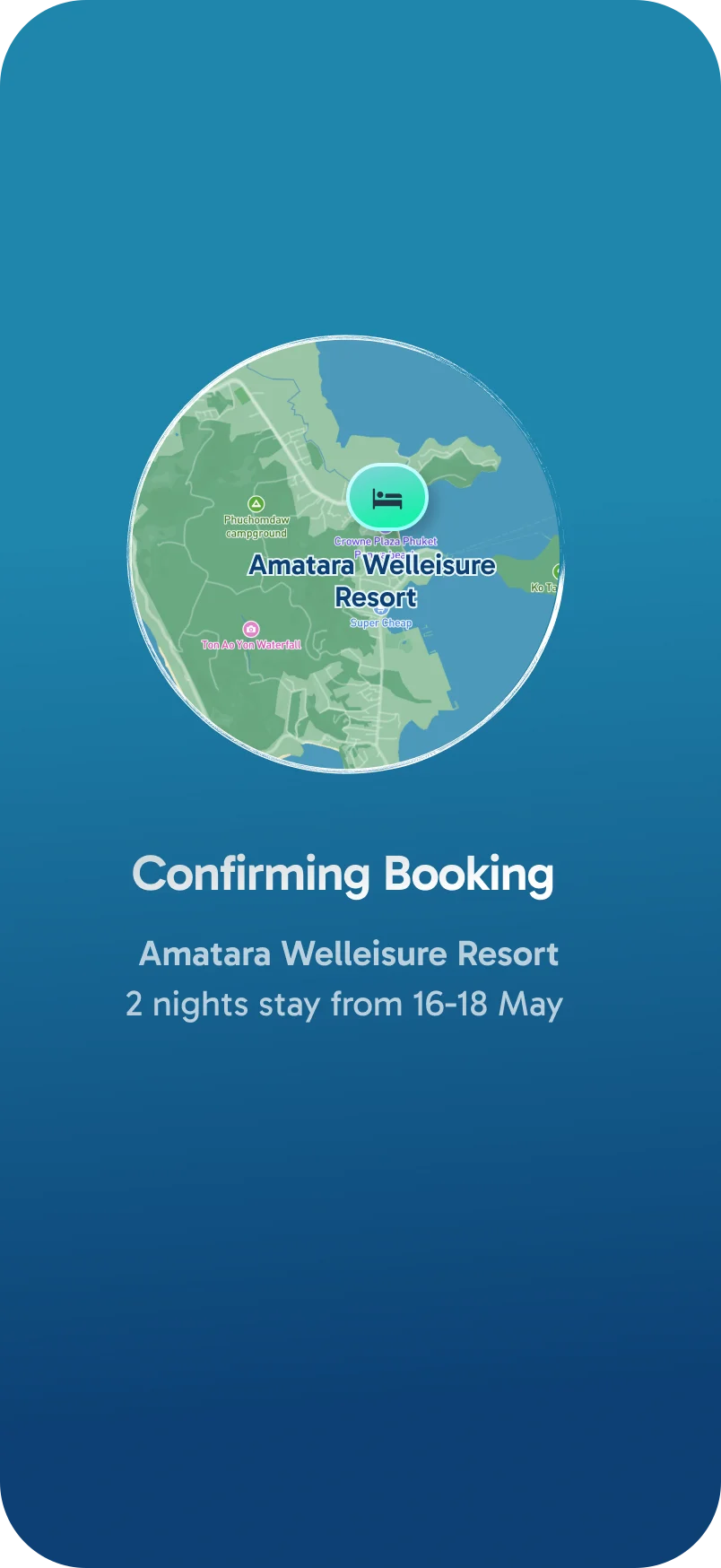
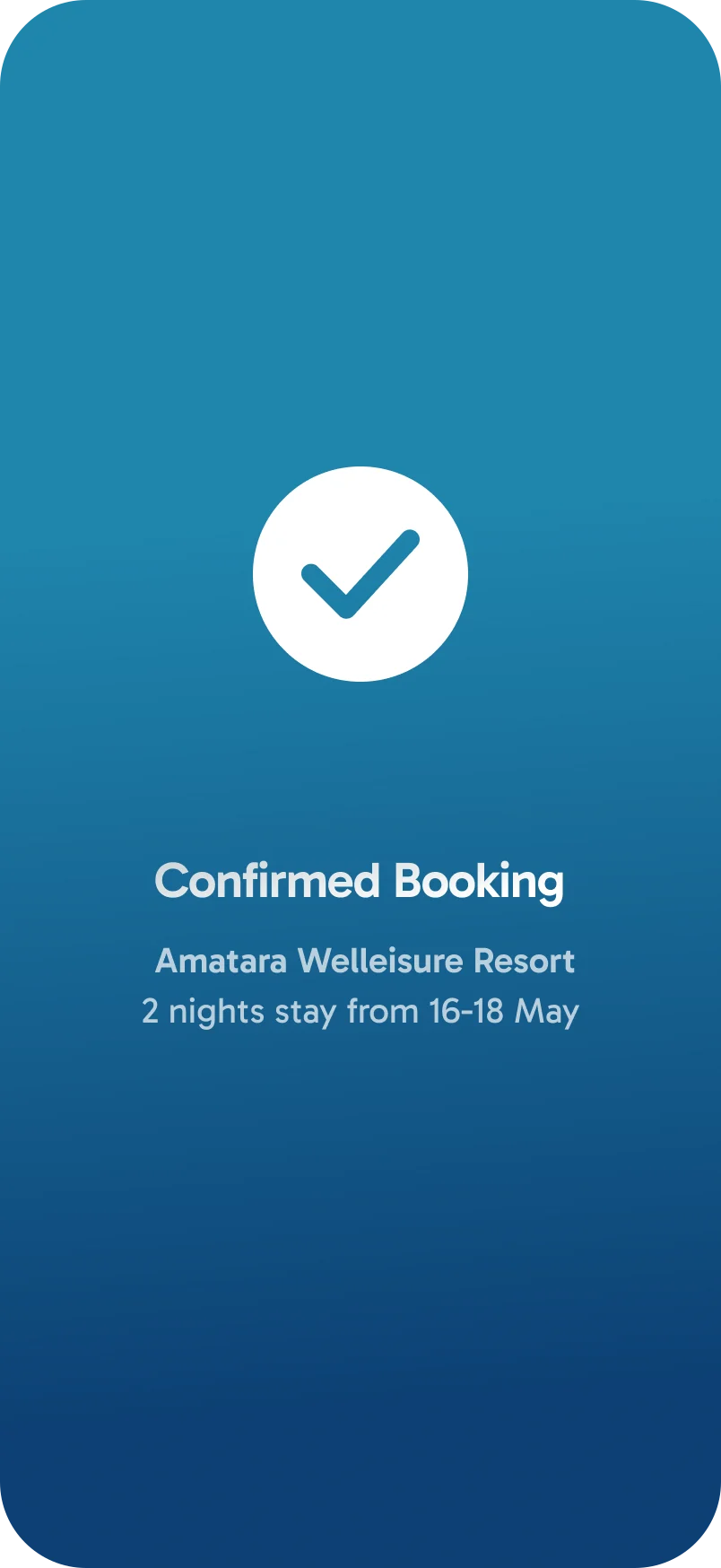
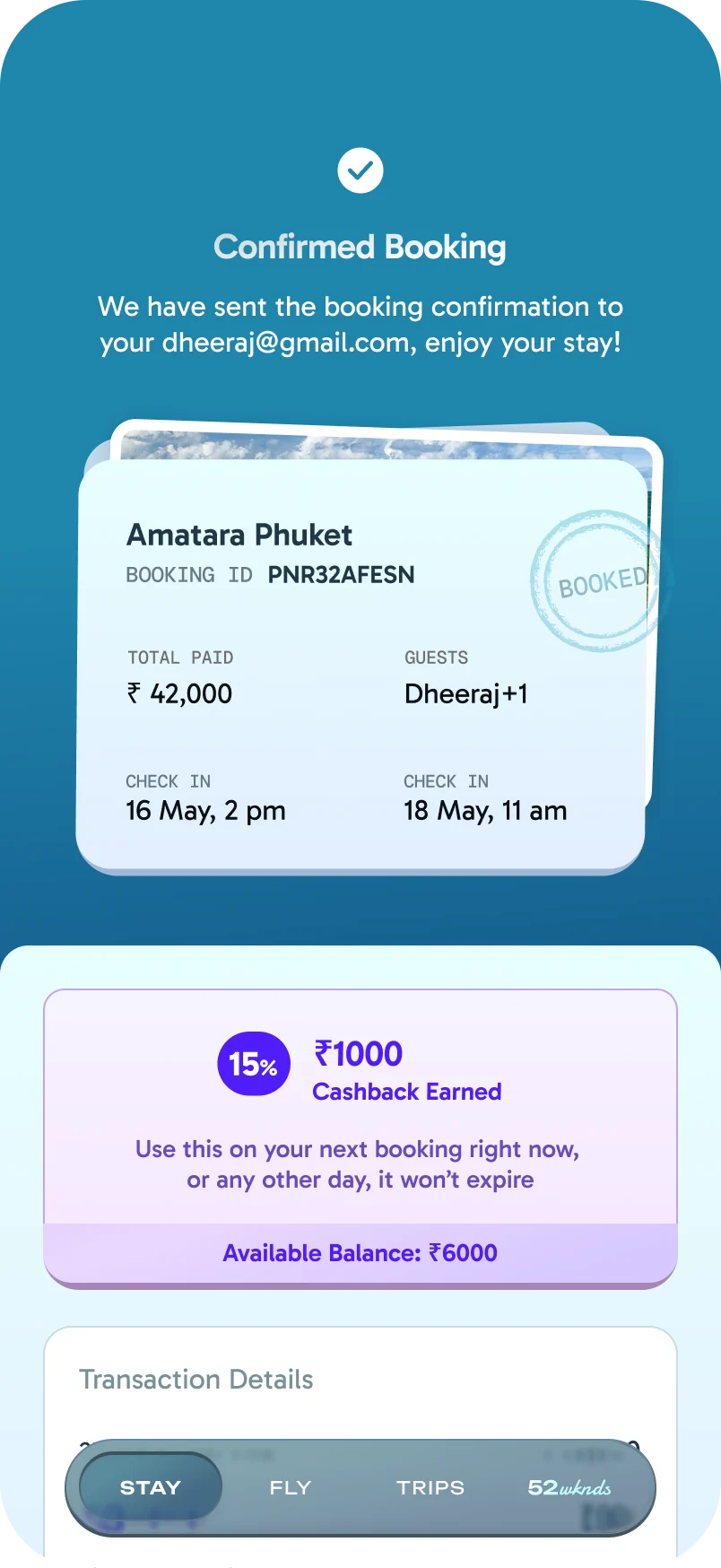
After payment, the resort sits on a globe while the booking confirms. The confirmation shows the cashback earned on the stay.
When Things Go Wrong
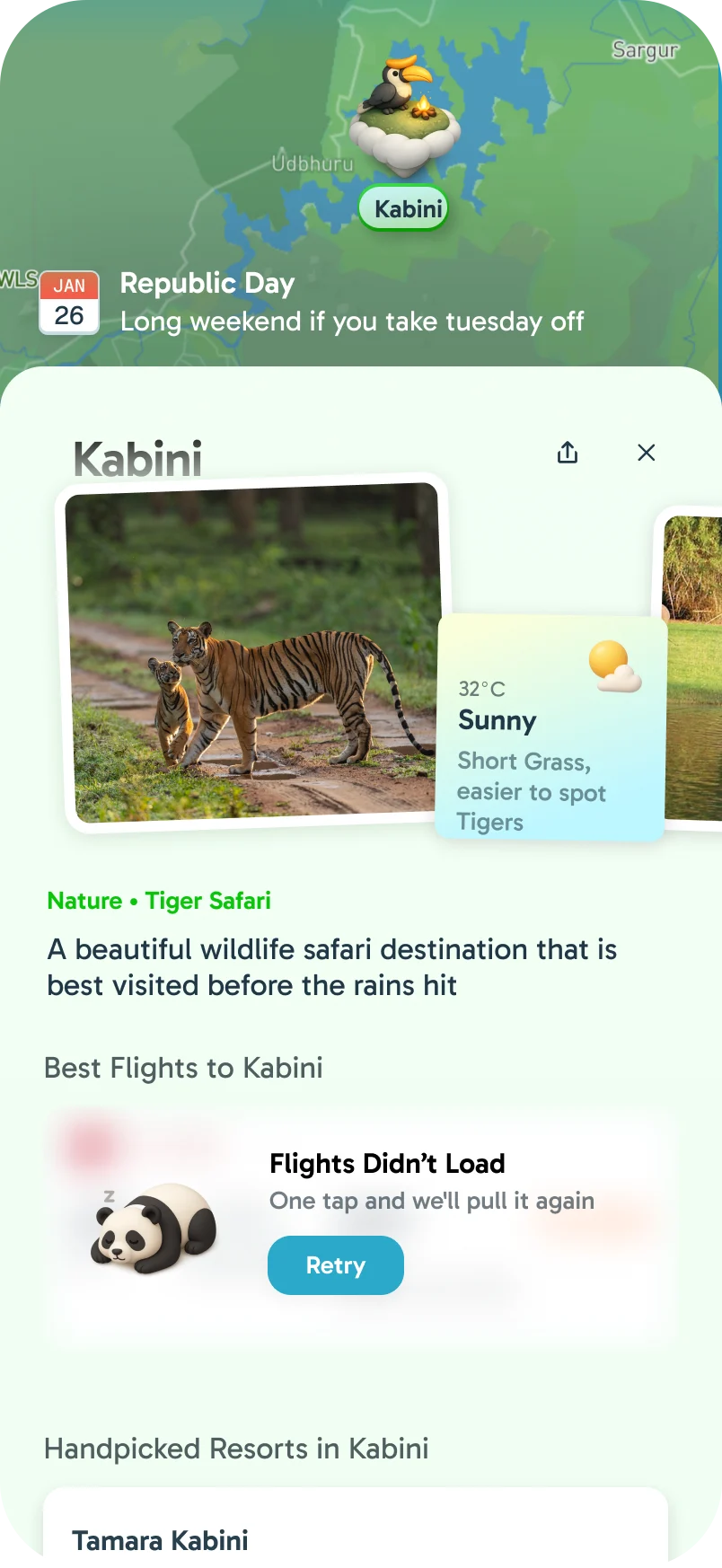
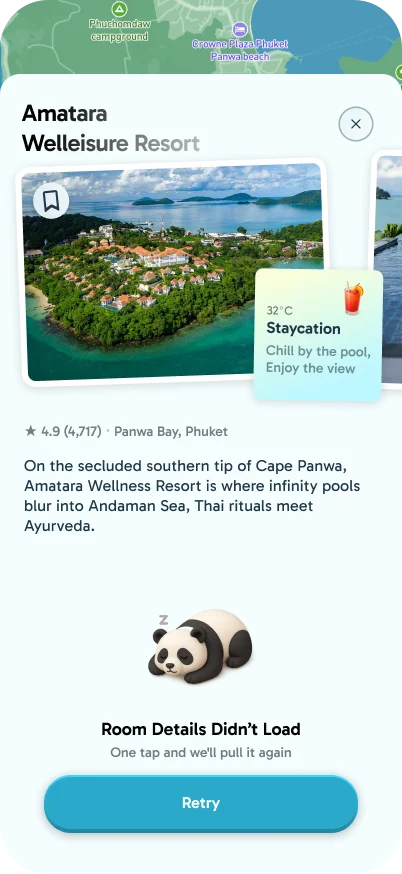
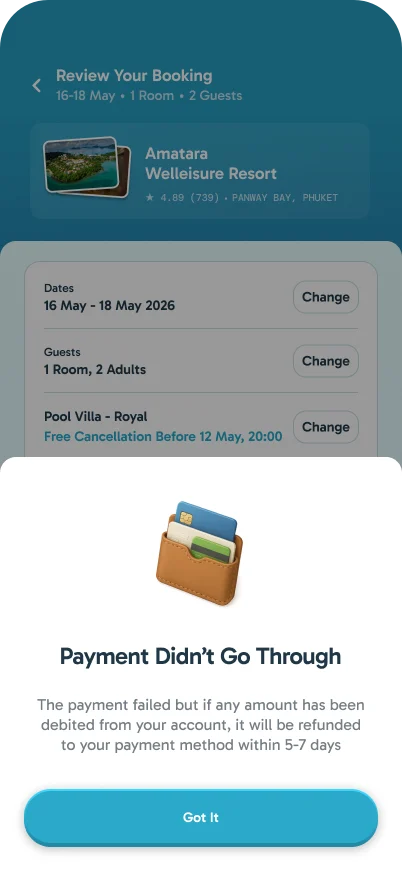
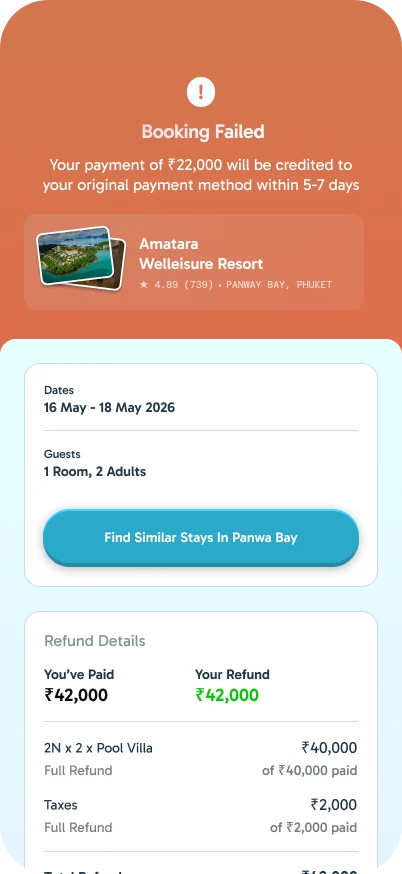
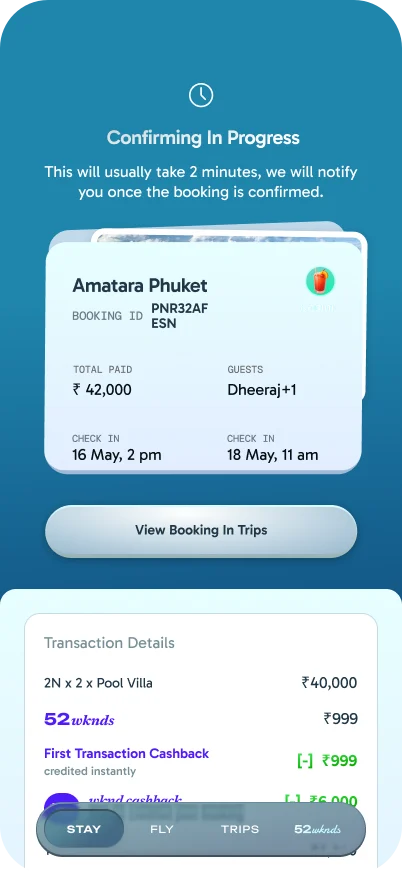
When something fails to load, the panda asks for one more tap to retry. When a payment or booking fails, the screen says what happens to the money and when, and offers similar stays nearby. A booking still confirming says how long it usually takes.
Where Stays Is Now
Stays is live in the app: search on the map, results in tabs, room choices, the traveller profile and every failure state.
Searching in your own words is set aside for later, once its cost and scope make sense.