52wknds · Trips
Trips
The Trips tab counts down to your next long weekend, and keeps every booking clear once it is made: confirmed, cancelled, changed or refunded.
- Role
- Solo designer, with the founders and engineers
- Status
- Live in the app
The Problem
Most of the time, nobody has a trip booked, so the tab has nothing to show. When a trip is booked, it has to hold everything about it: flights, stays, PNRs and what happens when plans change.
Quick access to the important things, like your trips, is a principle across the app. So the tab had to show the trip straight away, give people a reason to open it before they travel, and stay clear when plans change.
Earlier Ideas
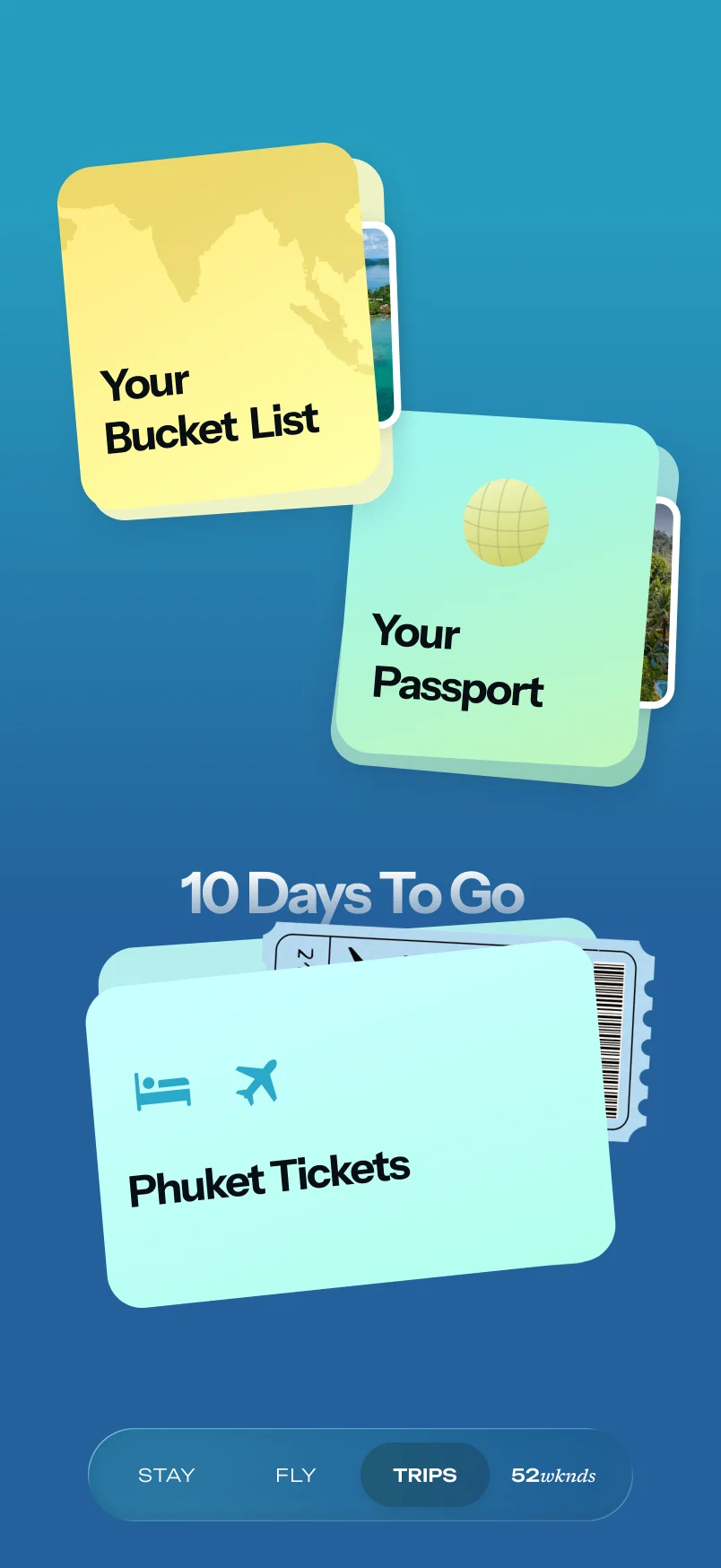
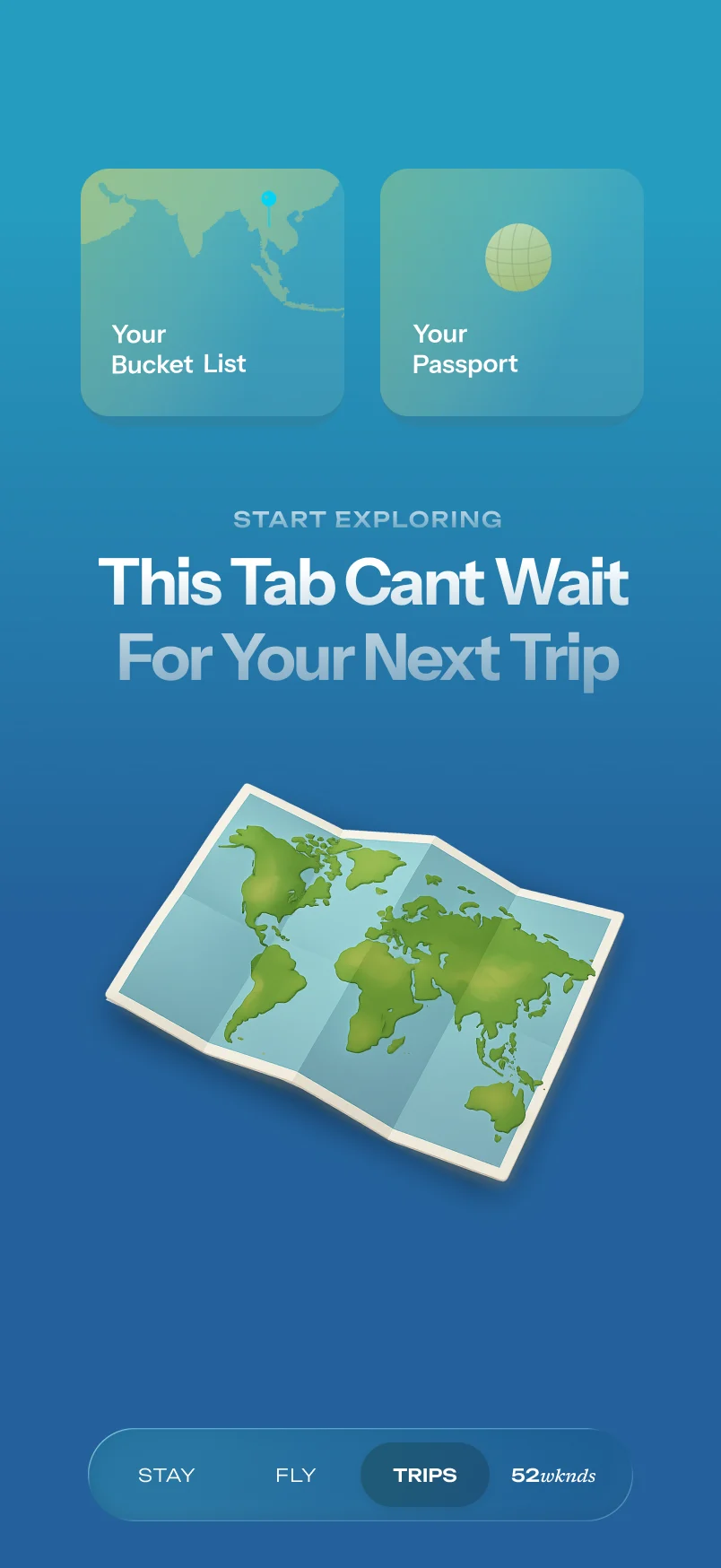
Before the shipped design, I tried a bucket list and passport above the trip, and a folded map for the empty state. Folders put the trip one tap further away, so the shipped tab shows it first. These explorations are from an earlier design file and never shipped.
Exploration · not shipped
Bucket List And Passport
- What worked
- Gave the tab something to show before any booking
- What didn't
- Folders put trips behind an extra tap
Exploration · not shipped
A Folded Map
- What worked
- An empty state that invited you to start exploring
- What didn't
- The folded map was swapped for the panda illustrations
- The bucket list and passport are deprioritised for later
Something To Look Forward To
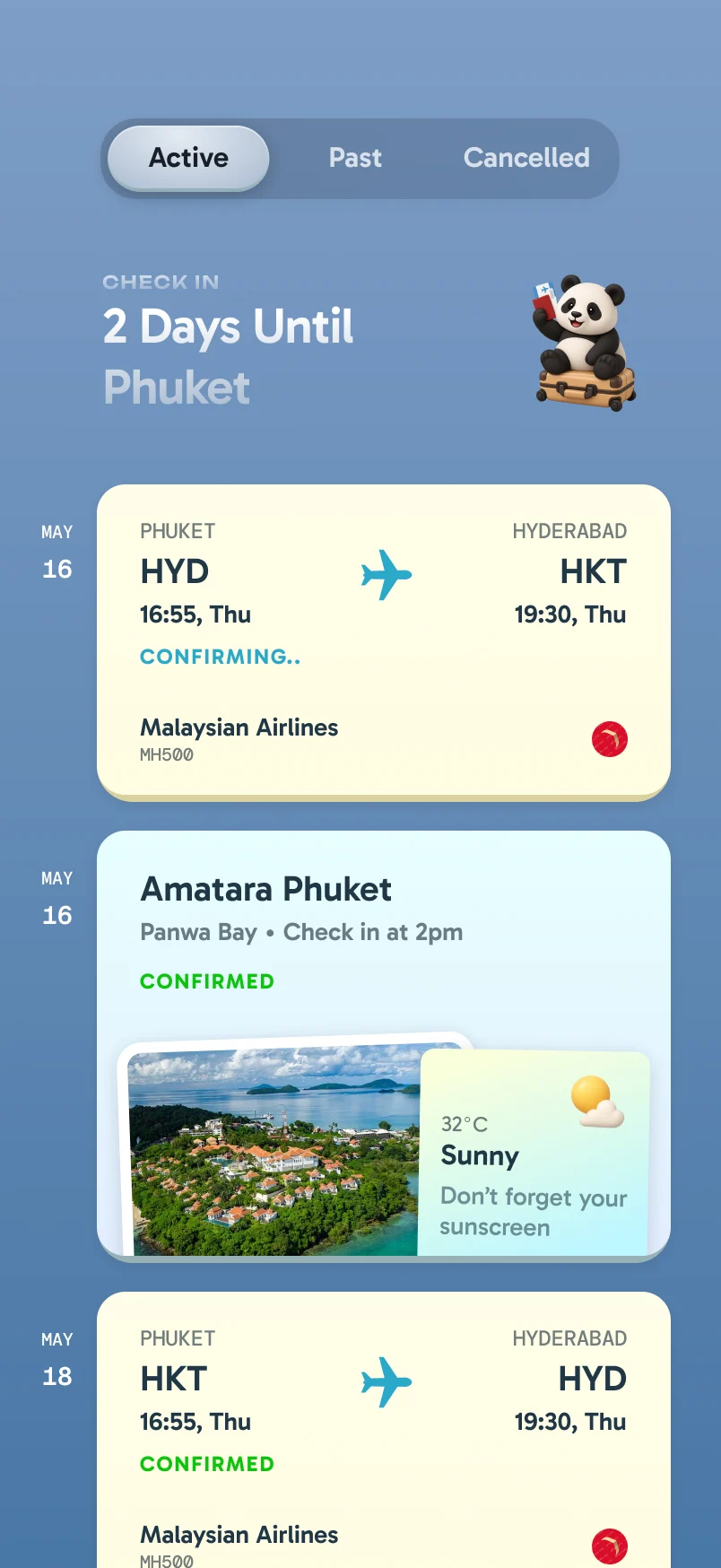
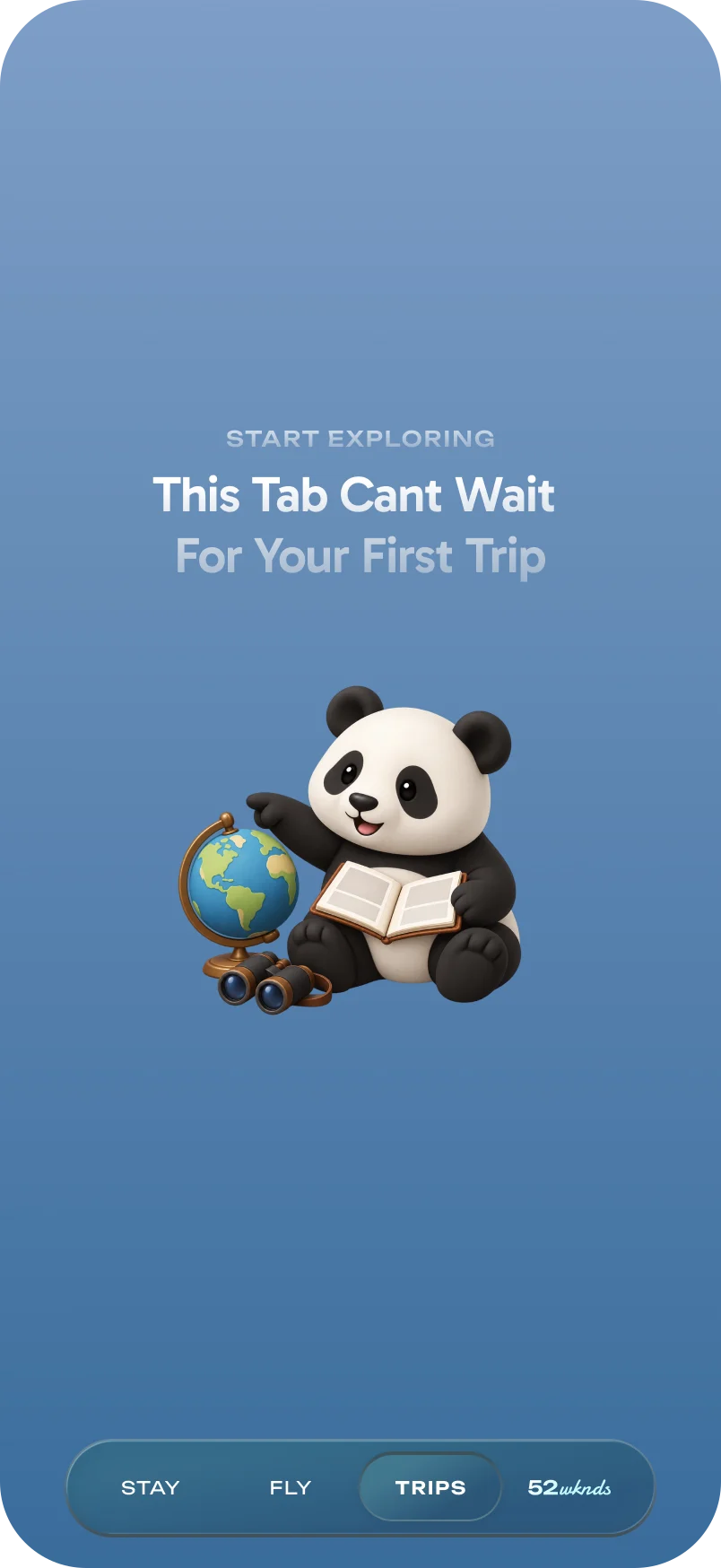
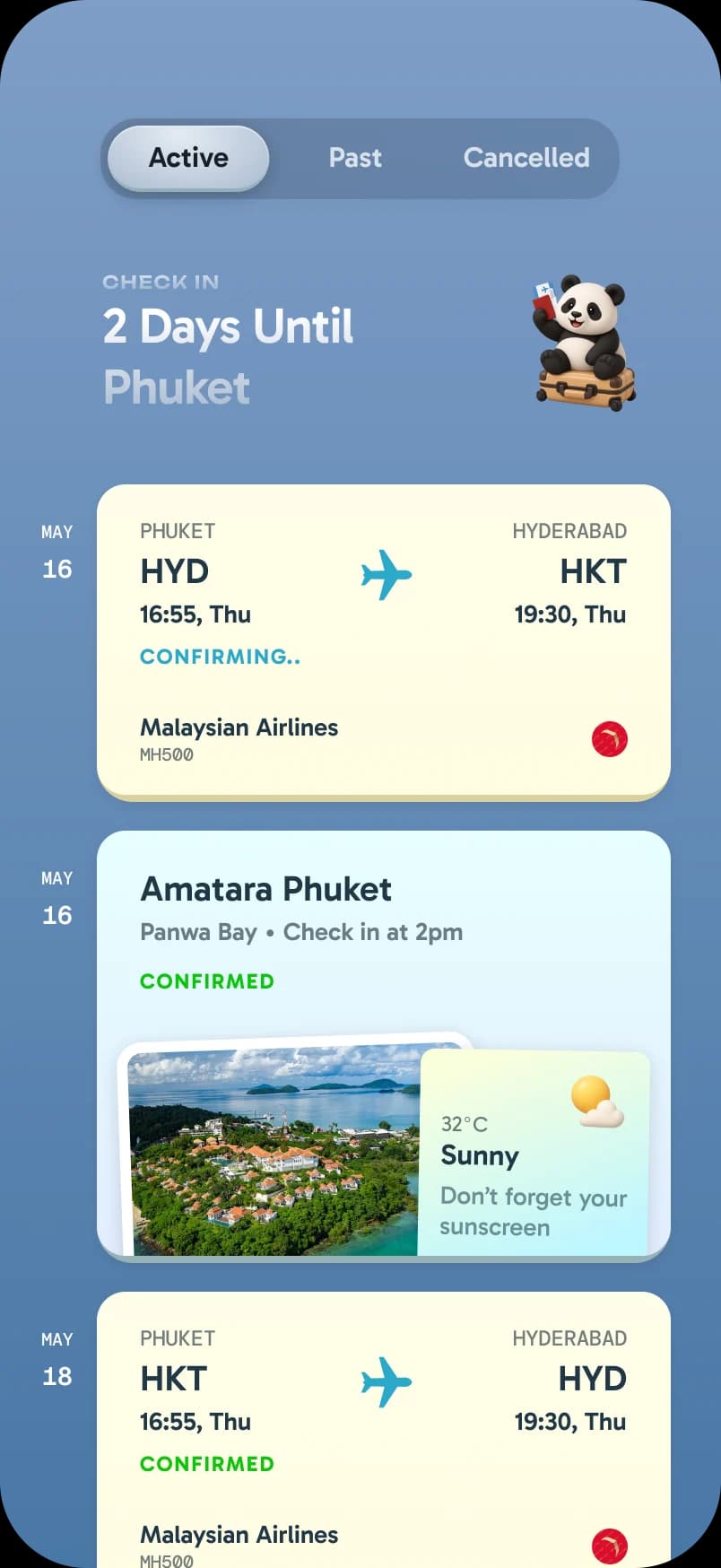
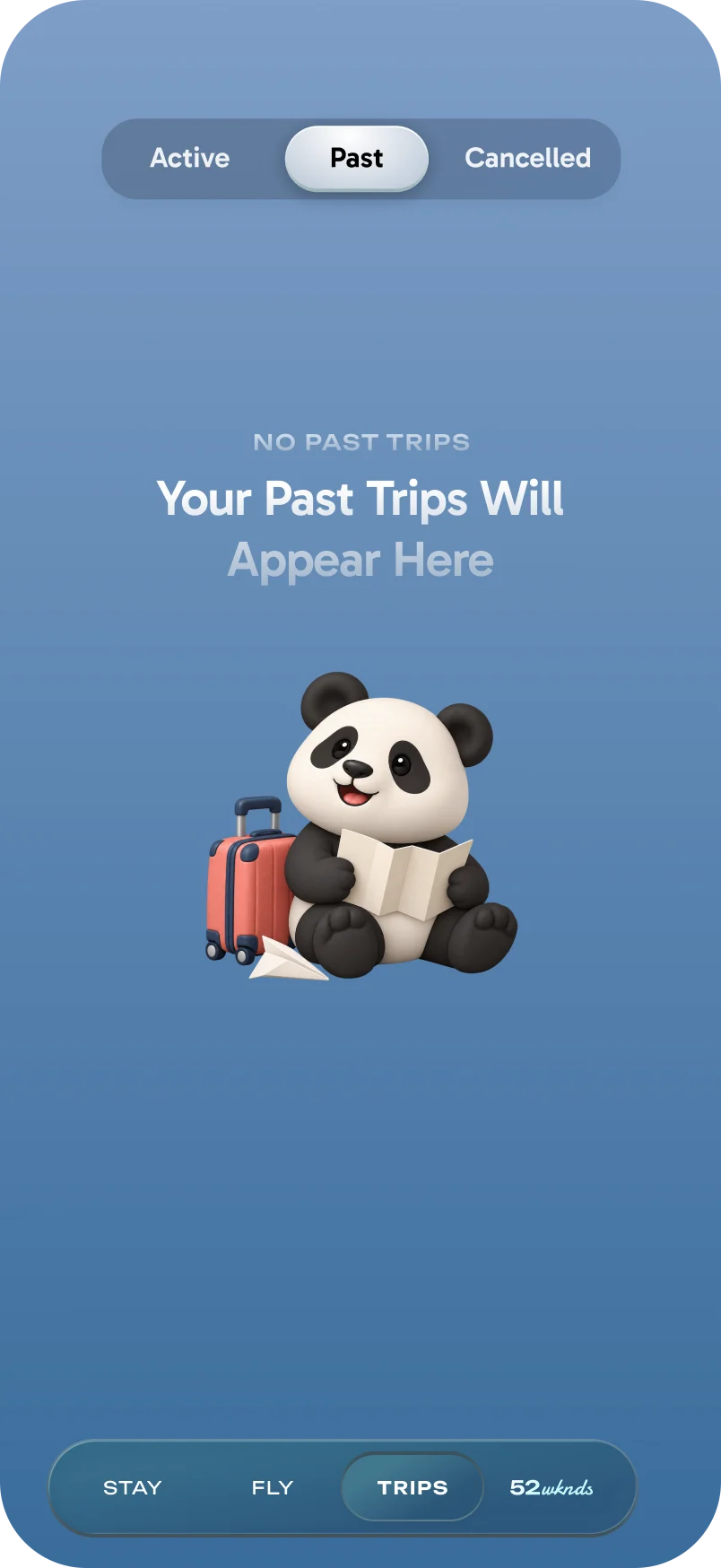
With no trip booked, the panda waits with a globe. Once a trip is booked, the header counts down to it, and the flight and stay sit below as tickets. Past trips get their own tab.
Building Up To The Trip
Excitement peaks before a trip starts, so the tab builds towards it. The title changes as the trip gets closer, from Start Planning three weeks out to Welcome To once you land, and the panda changes with it. It brings a lot of the app's character.
- More than a week out

- Within a week

- Two days out

- Two days out, stay only

- Day of travel

- On the trip

Every Booking State
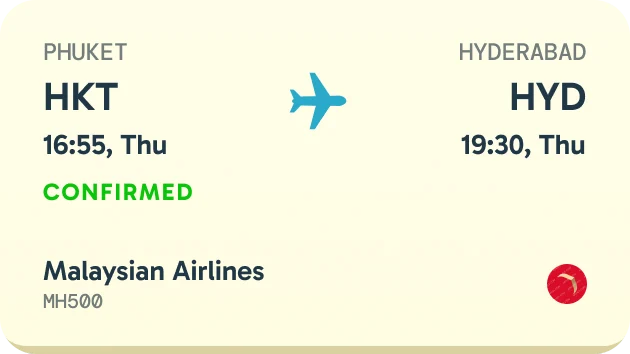
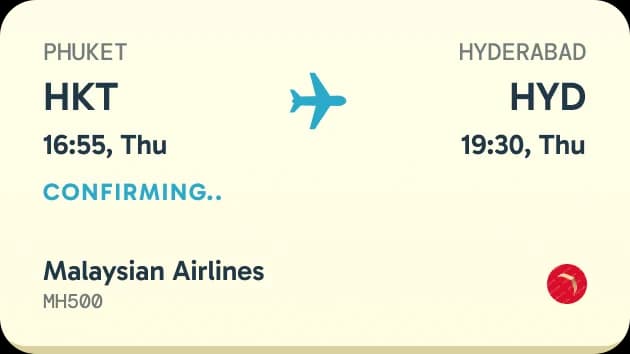
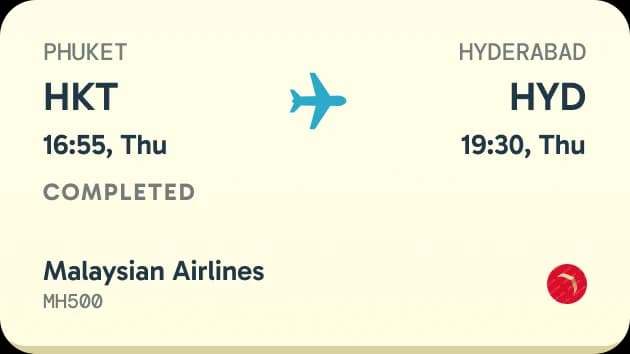
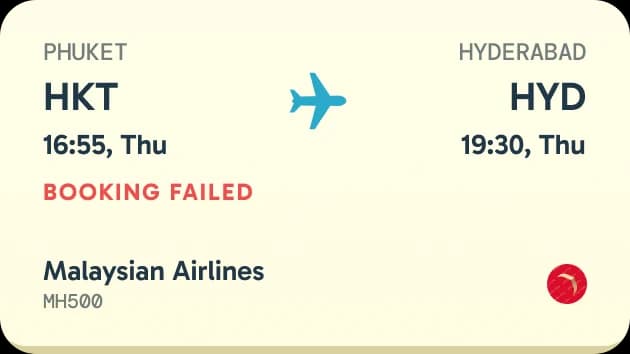
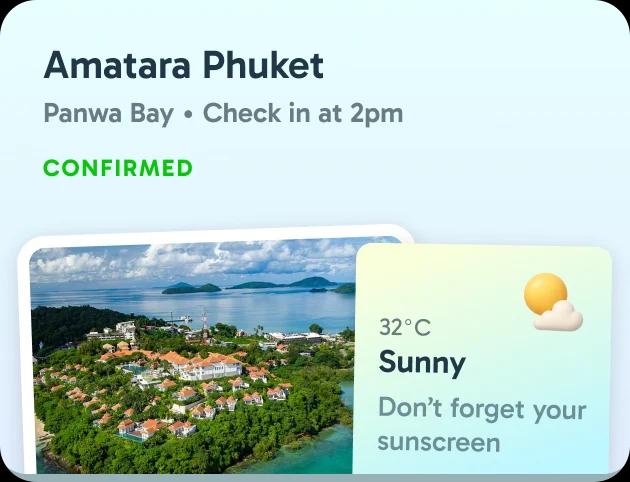
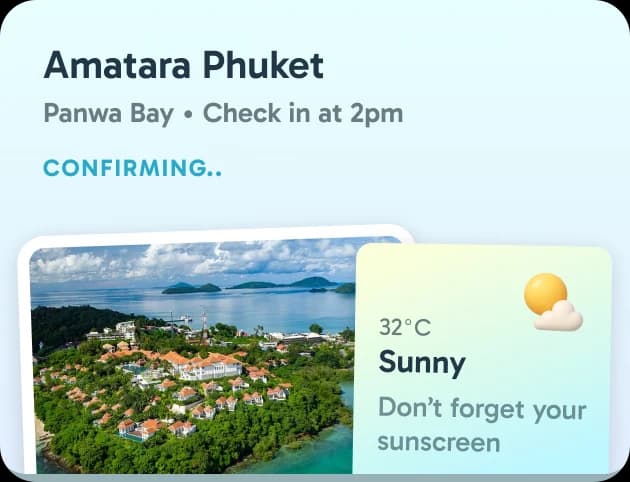
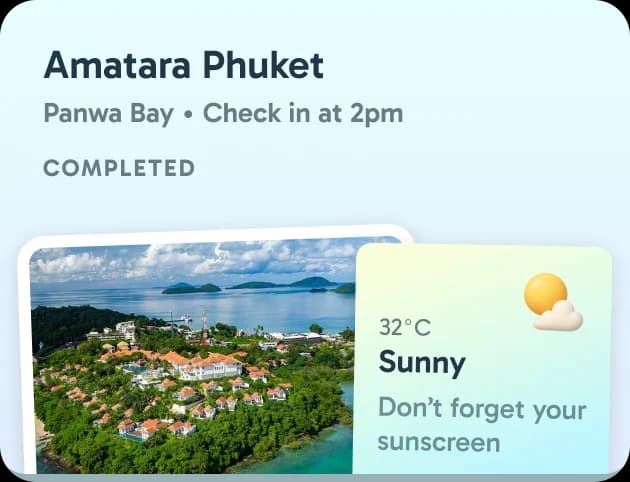
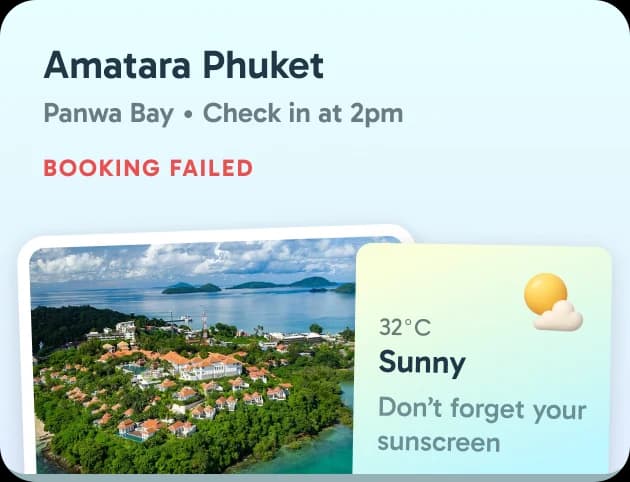
Each flight and stay card shows where the booking stands: confirmed, still confirming, completed, or failed. The status sits in the same place on every card, in its own colour.
Return Flights
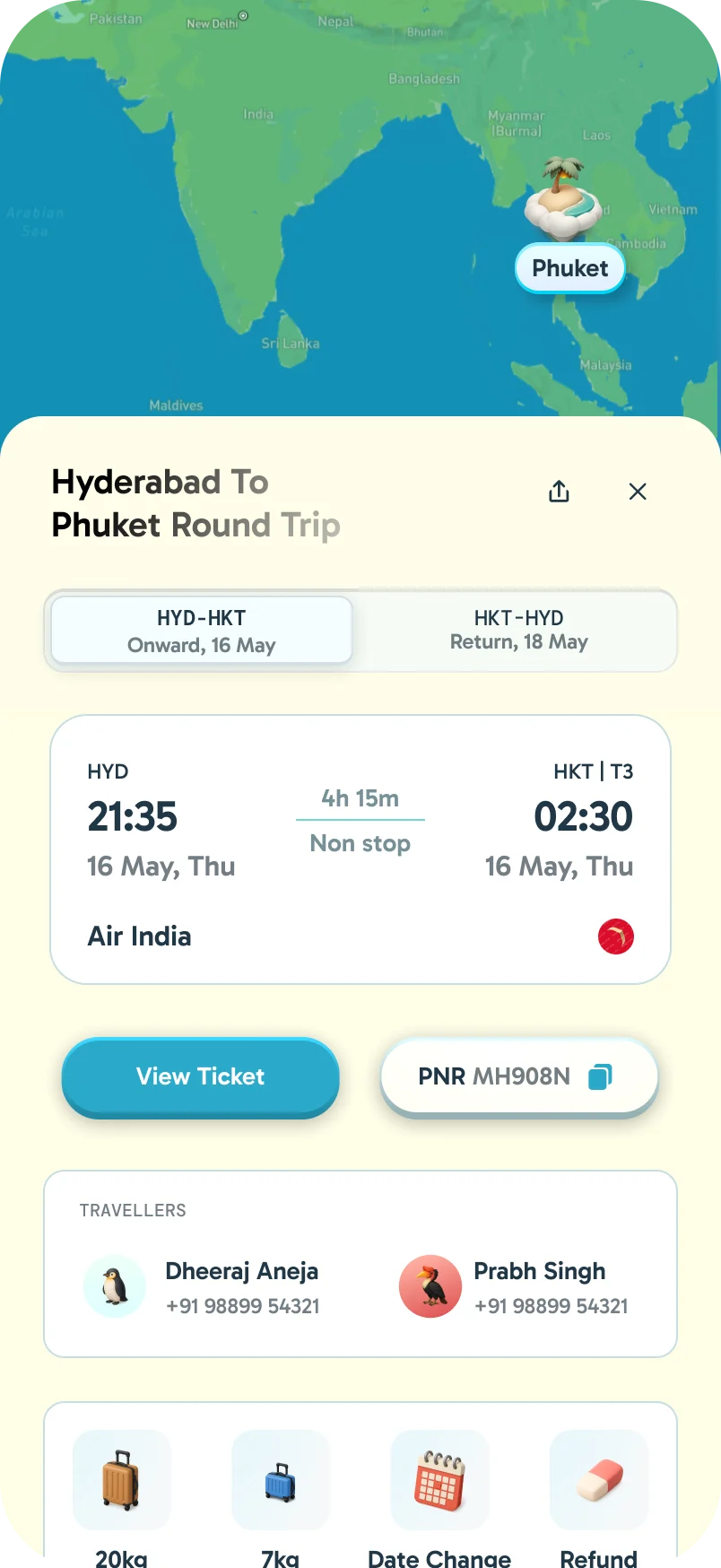
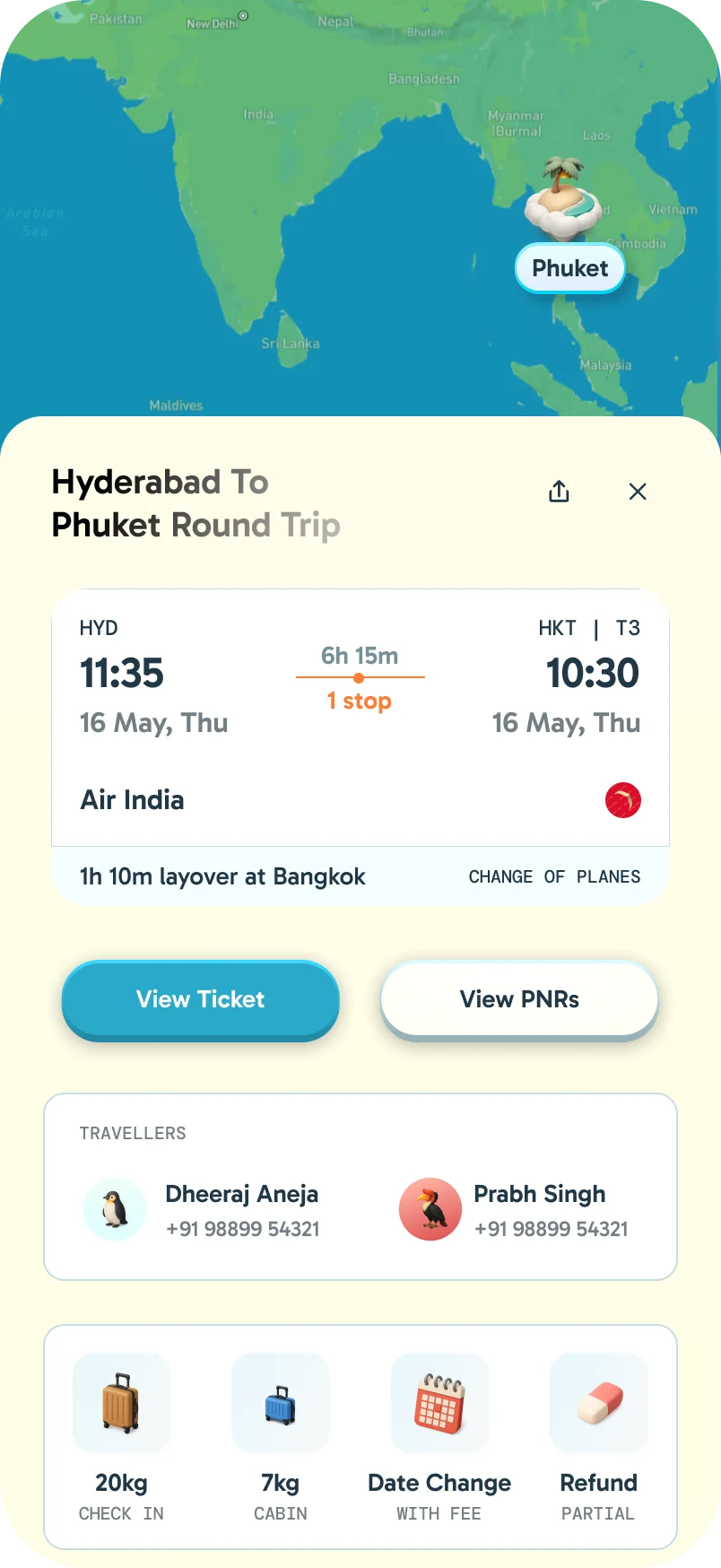
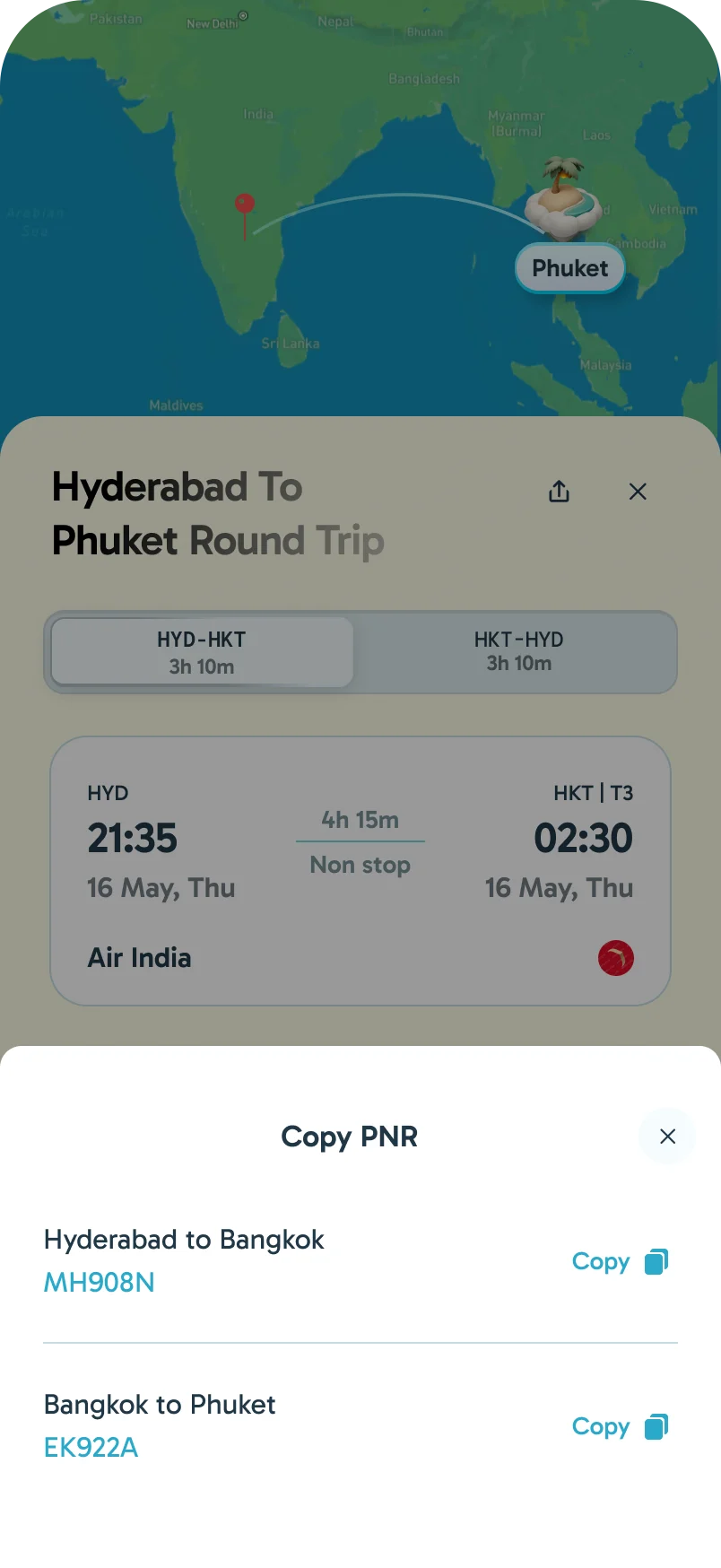
A return flight is one booking with two legs. Its details open on a switch between the onward and return flight, a flight with a stop shows the layover in place, and when a trip has more than one PNR they sit together in one sheet to copy.
Changing Plans
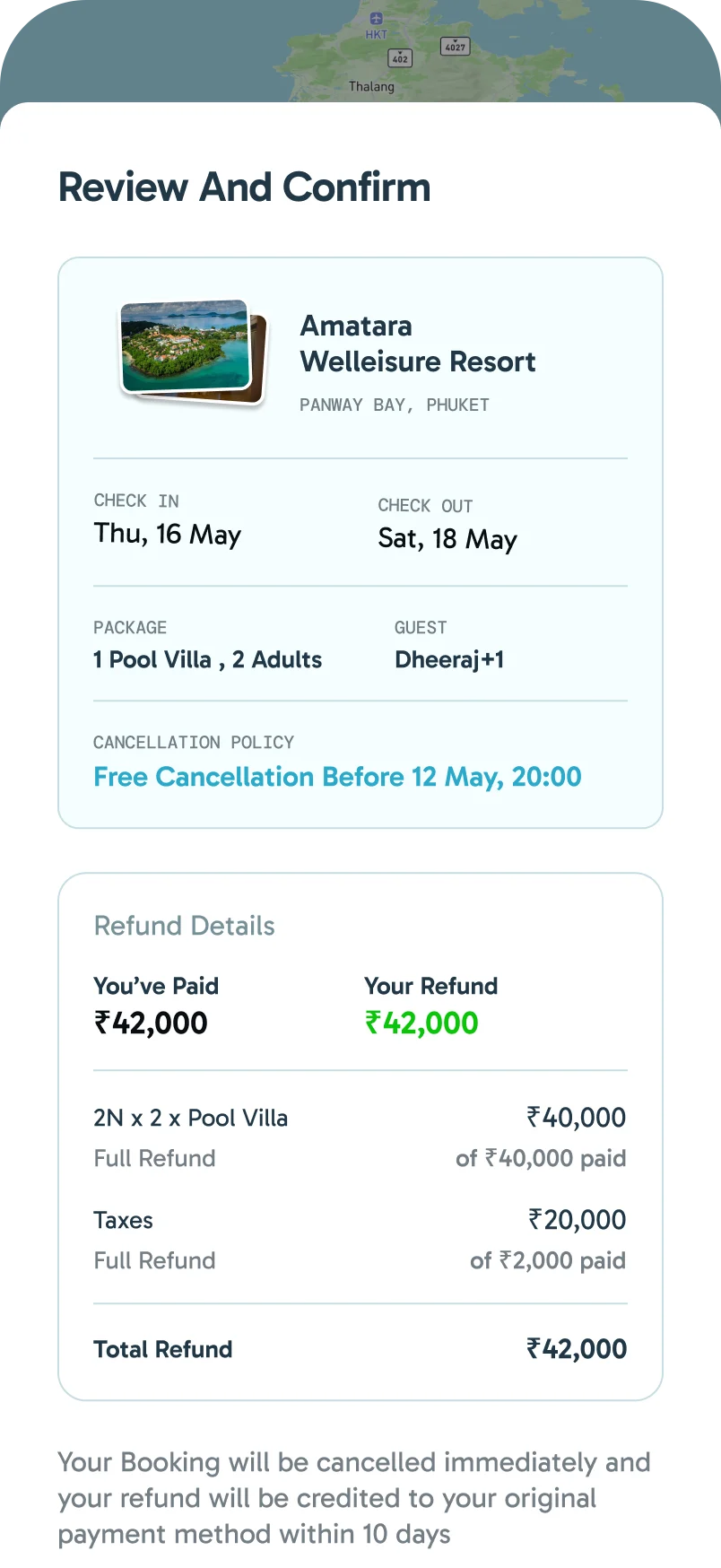
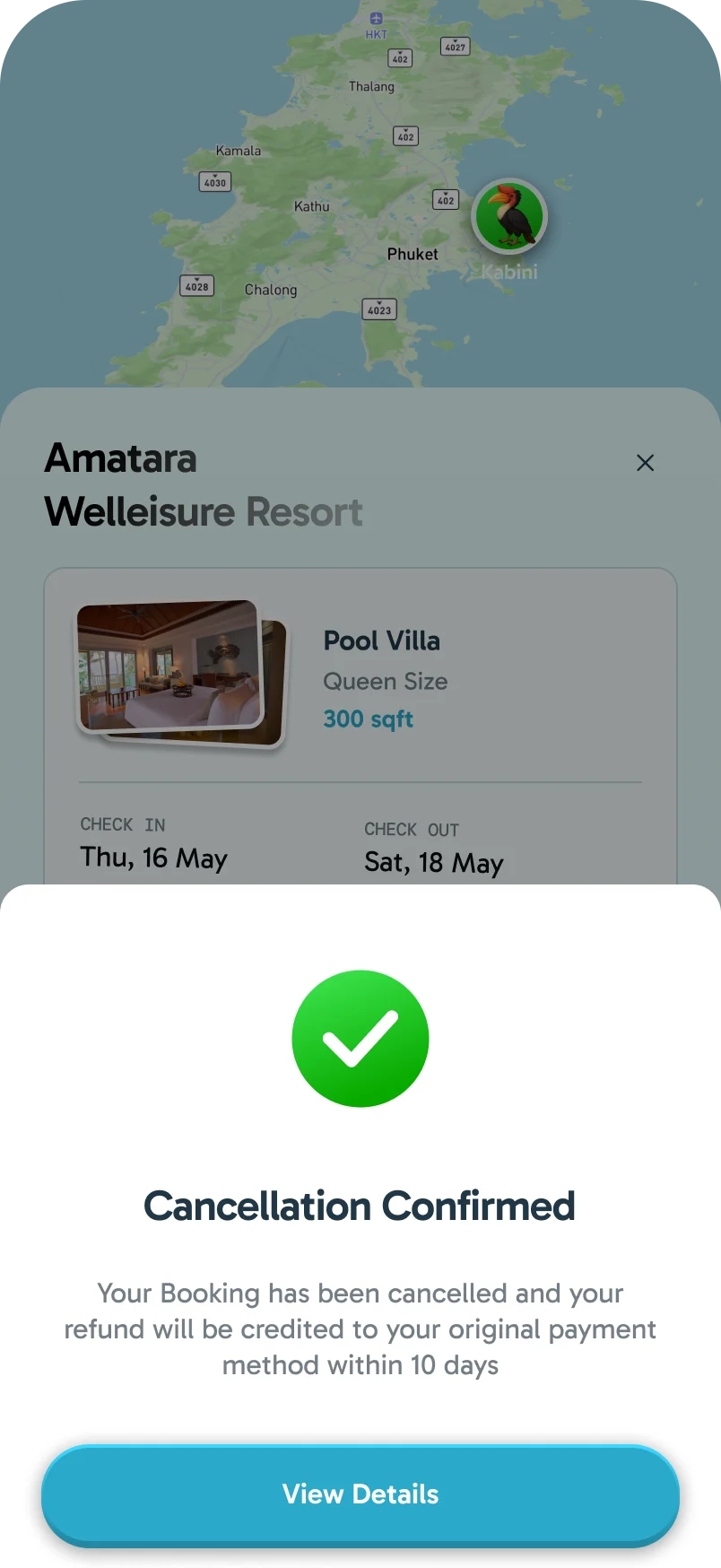
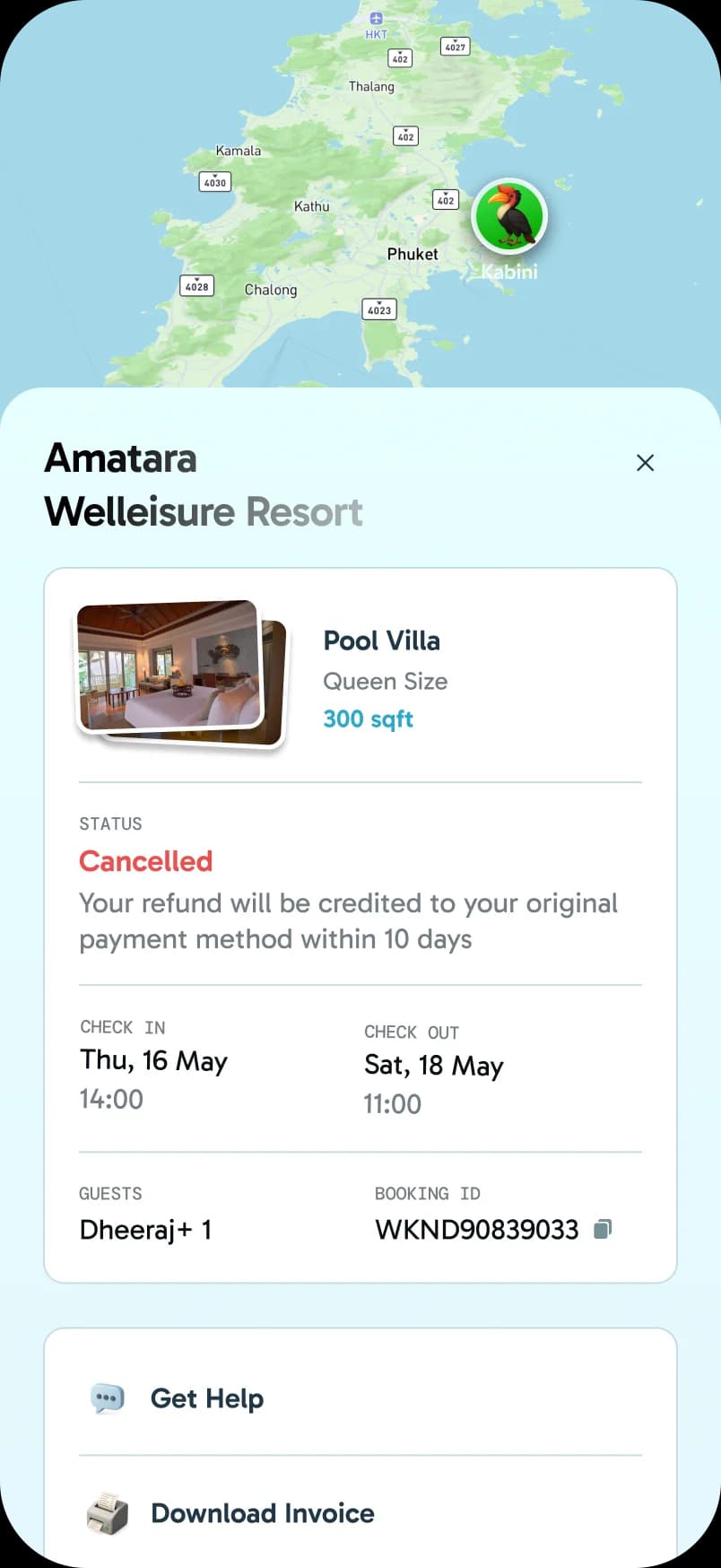
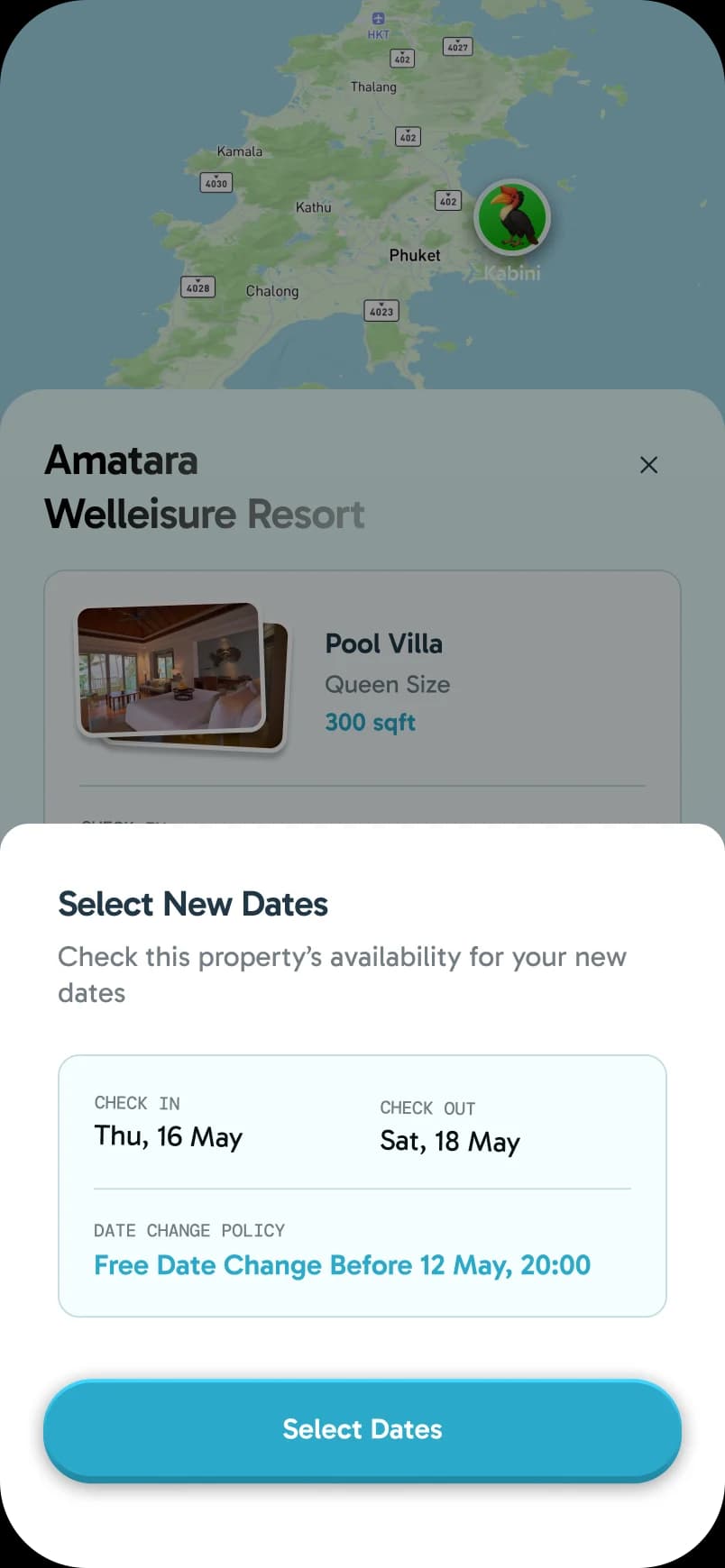
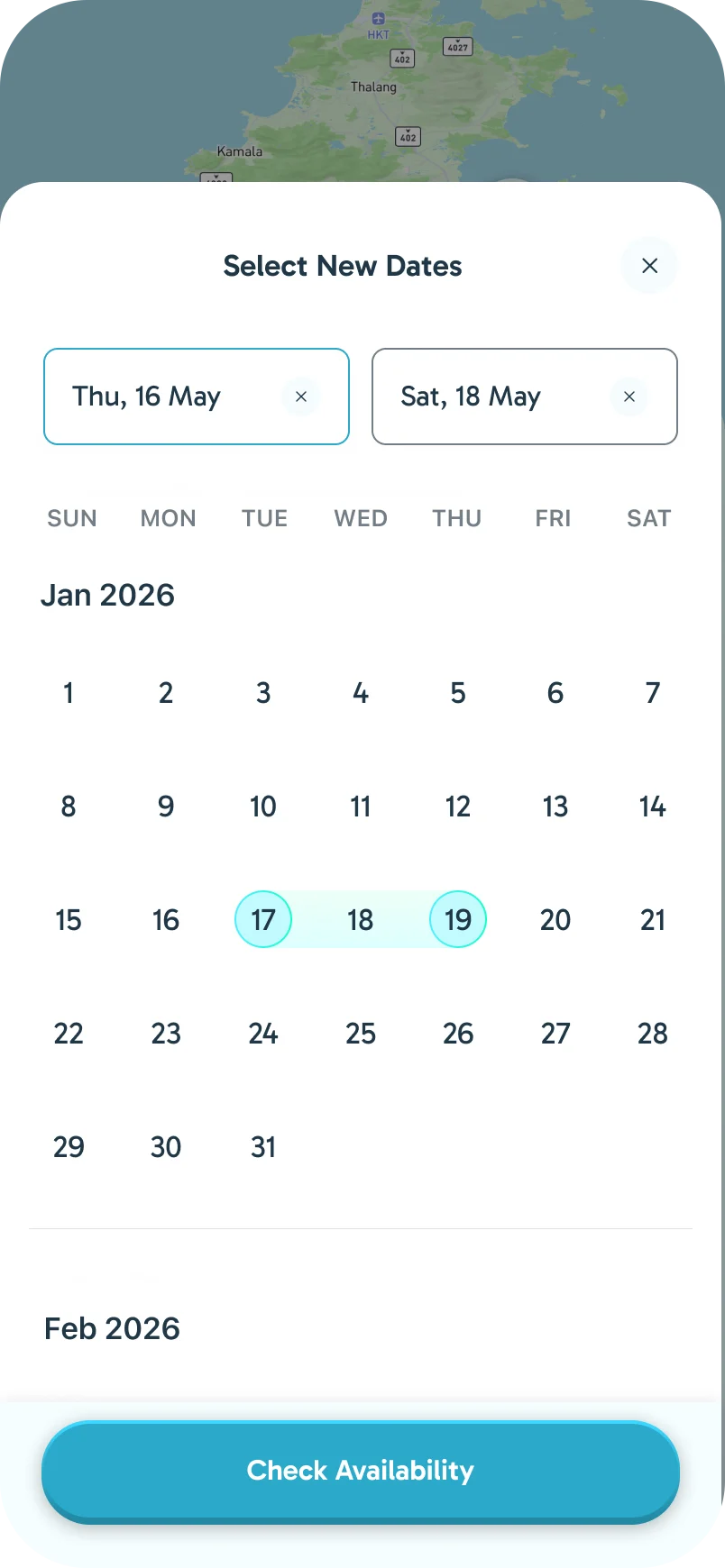
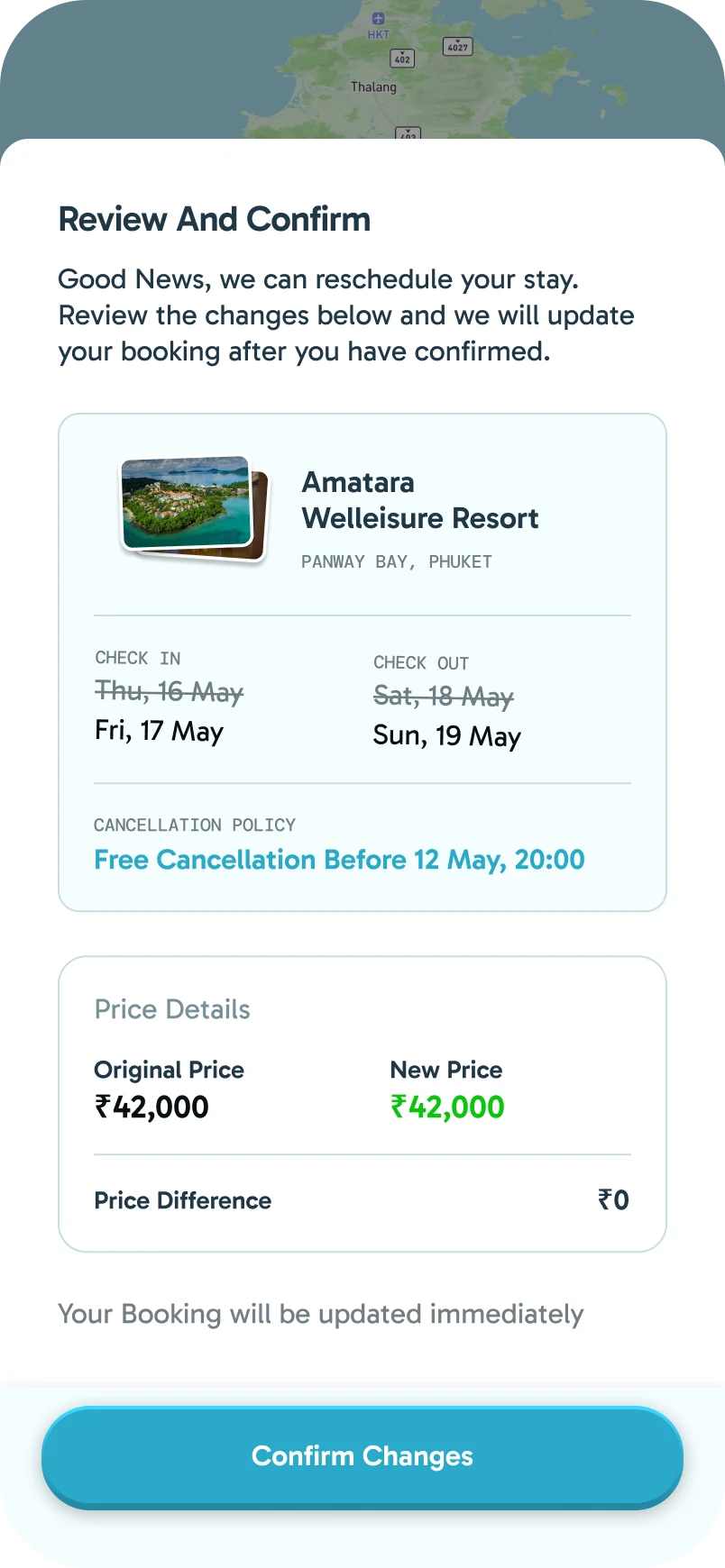
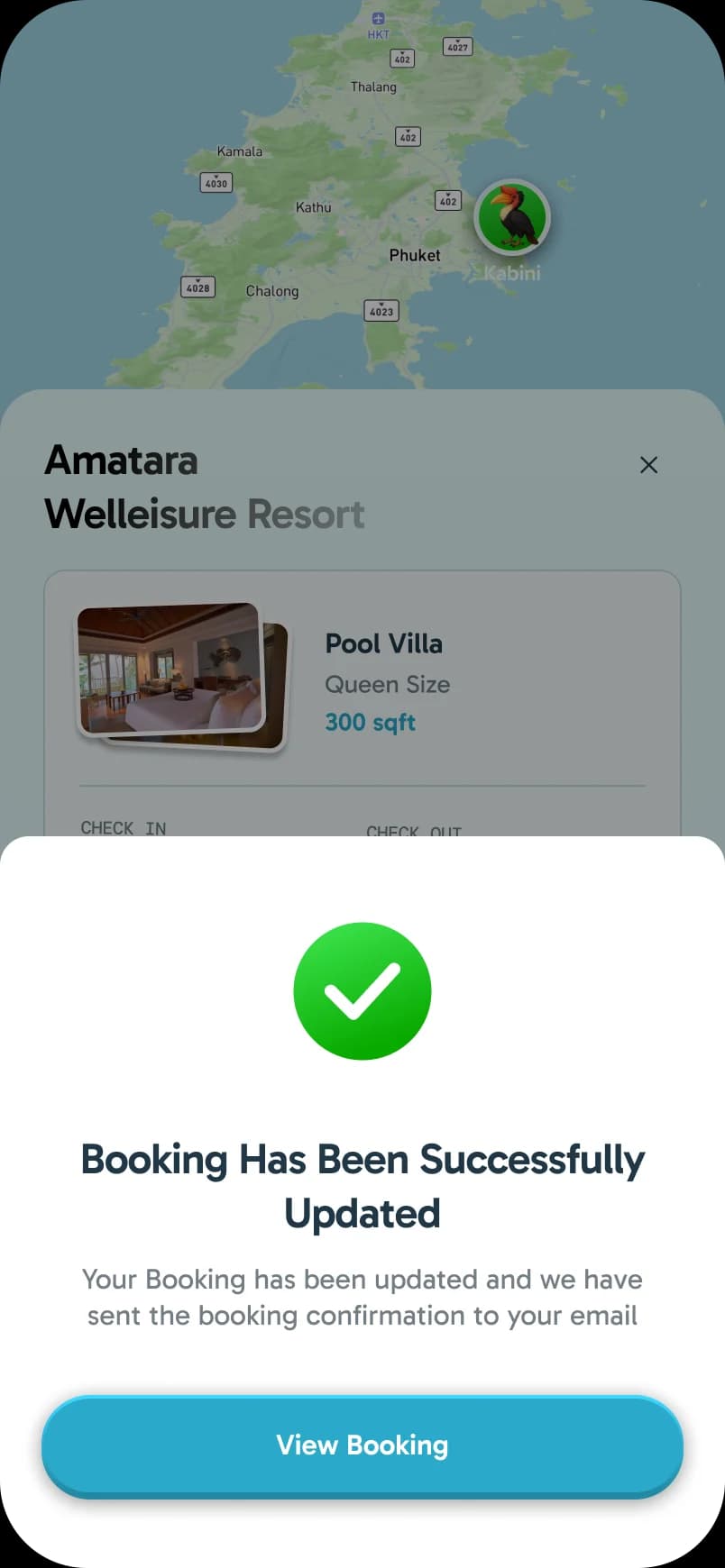
Cancelling or moving a stay is a short, guided flow. Each step shows what changes before you confirm it: the refund line by line, or the price difference for new dates.
Fridge Magnets
With no trips booked, the Trips tab showed an empty fridge and an invitation to book trips to collect magnets. Each destination you booked added its own magnet. Once trips were booked, the fridge moved into a small card above them, and opening it showed the magnets collected so far.
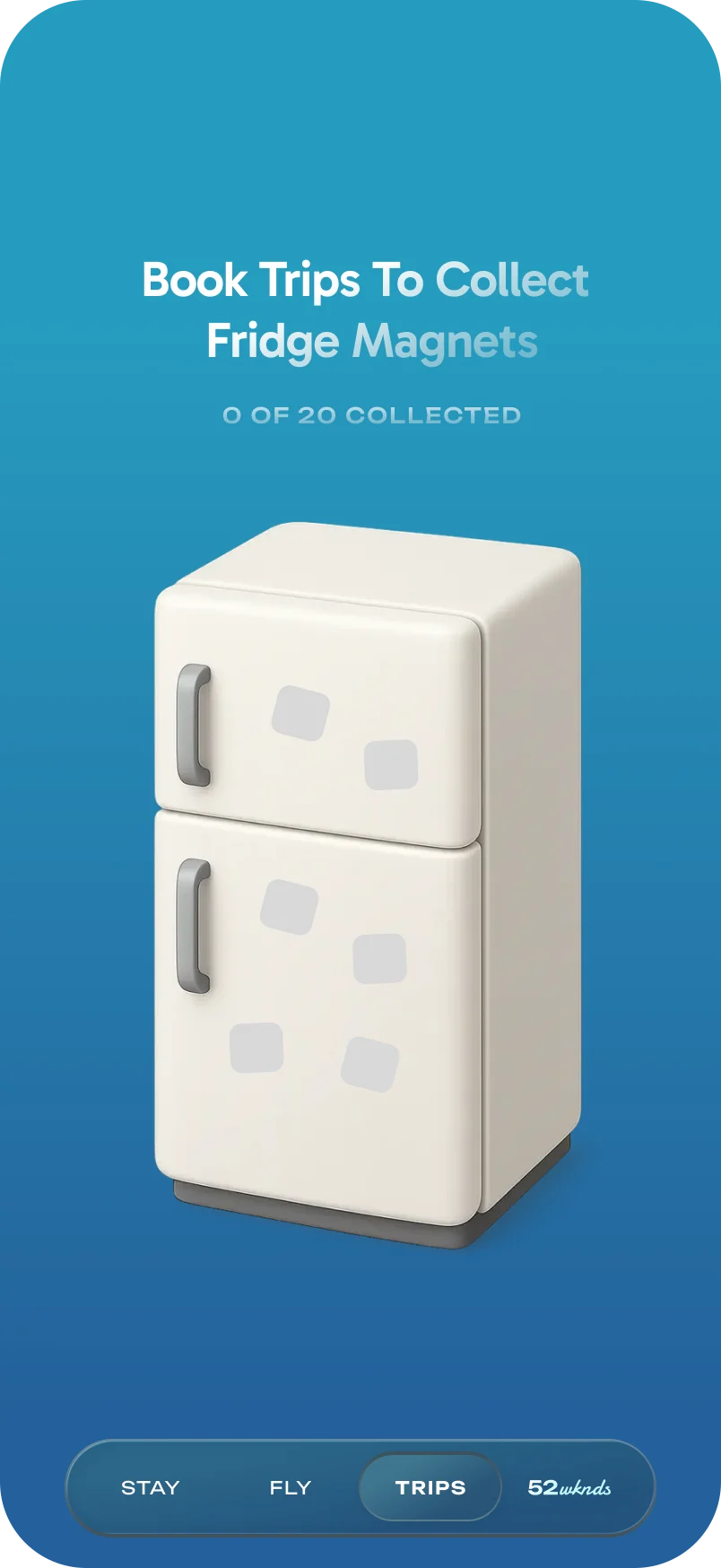
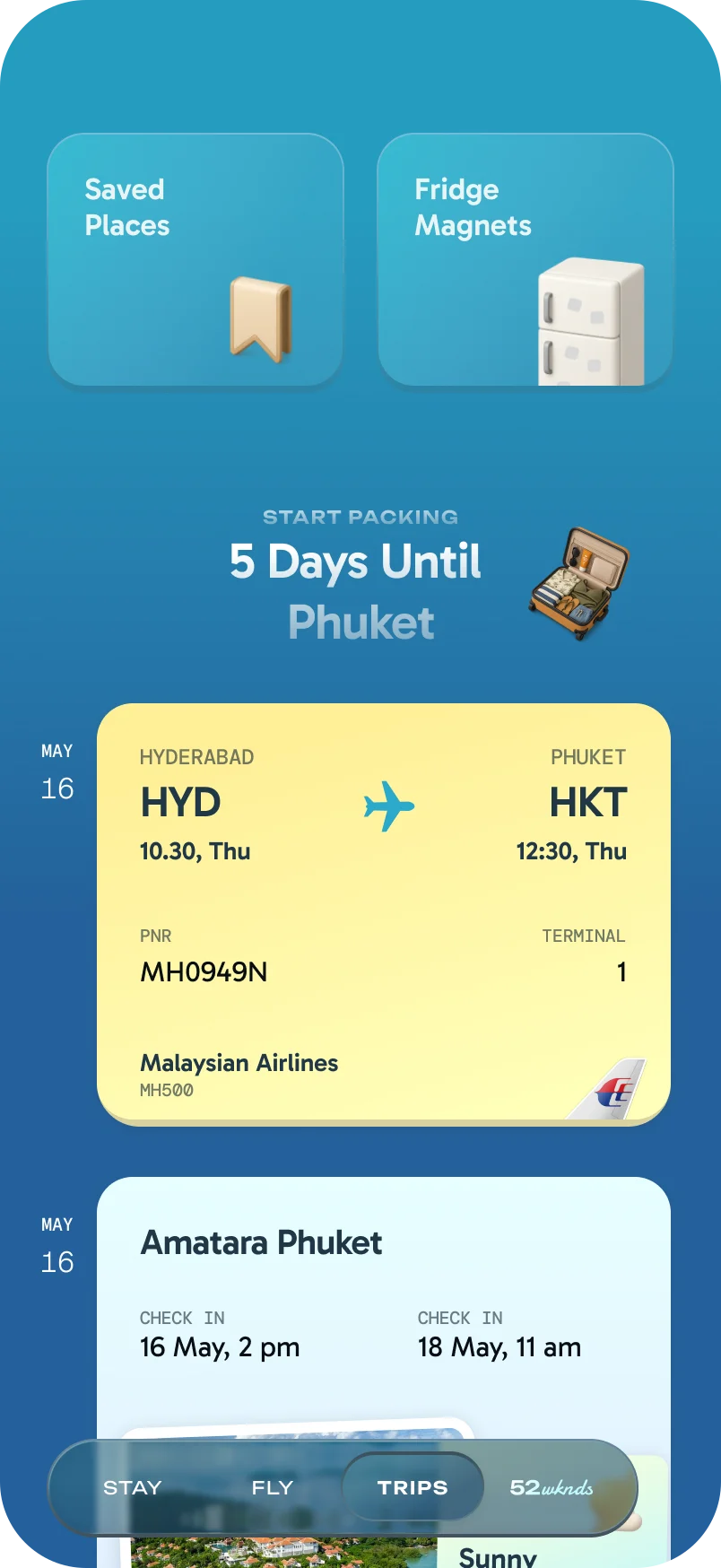
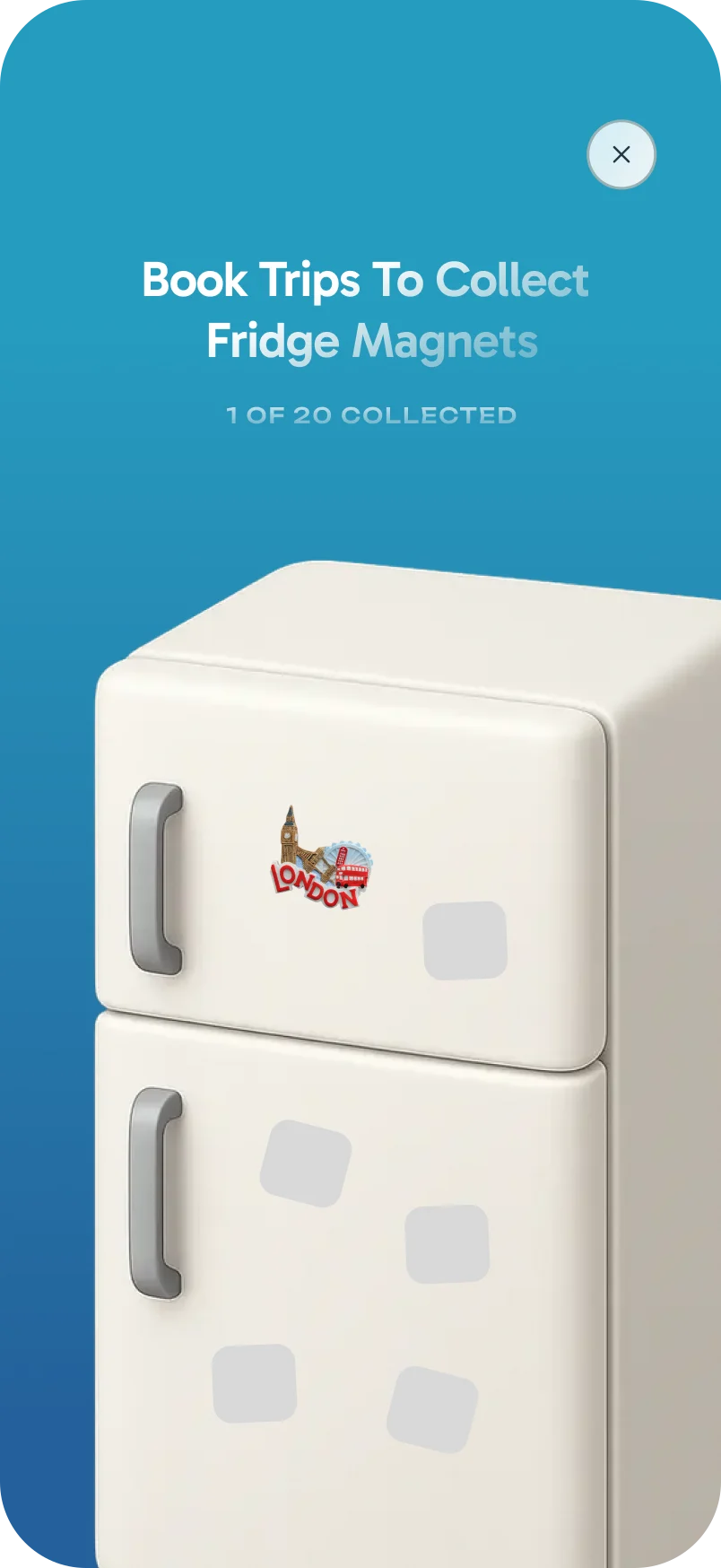
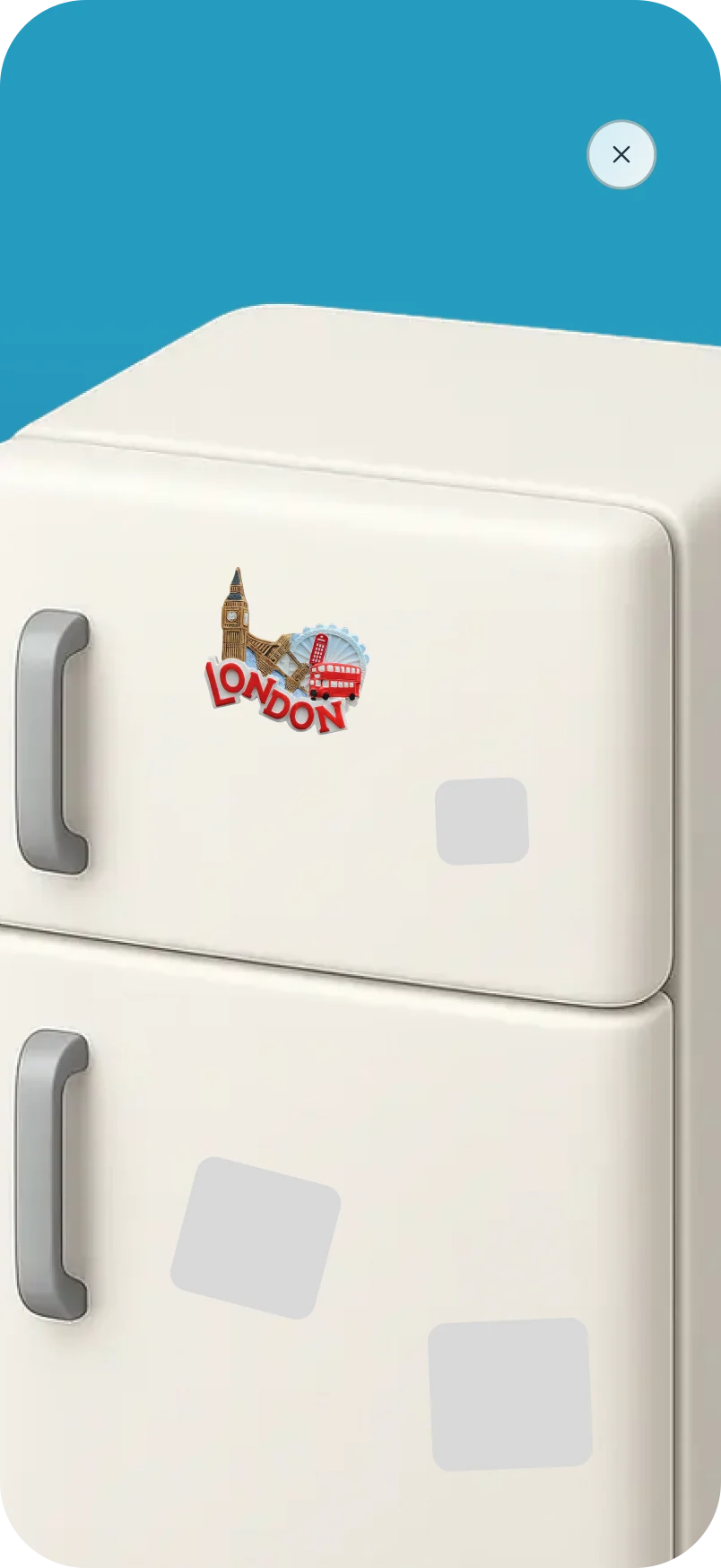
Fridge magnets were deprioritised and are not in the app yet.
Where Trips Is Now
The Trips tab is live in the app: the countdown, the title states, every booking state, return flights and changes to stays.
The bucket list, passport and fridge magnets are set aside for later. Each one gives people a reason to open the tab between trips, and the tab is ready to take them.